Free Tablets for Seniors in 2026: Lifeline & Medicaid
Seniors often search for a free government tablet because a larger screen can make telehealth visits, prescription portals, benefit forms, email, and family video calls easier to use.
The important distinction is that Lifeline is a federal phone or internet service discount. It does not guarantee a free tablet. Some participating providers may separately offer free, low-cost, or discounted devices, and those offers can change by state, ZIP code, inventory, and current terms.
This guide explains how seniors may qualify for Lifeline through Medicaid, SNAP, SSI, Veterans Pension or Survivors Benefit, Federal Public Housing Assistance, qualifying Tribal programs, or household income, plus how to check current tablet offers safely.
Last updated: September 21, 2026
Quick Resources: If SNAP or food stamps are part of the household, read our EBT & SNAP Tablet Guide. To understand the application flow, use our Lifeline tablet application guide, then compare current Lifeline providers and verify availability by ZIP code.

Why a Tablet Makes Such a Big Difference for Seniors
A tablet is just easier than a phone for most older adults. The screen is bigger, the buttons are easier to tap, and reading a form or joining a video call does not require squinting.
That matters a lot when you are managing your health. Telehealth visits, insurance portals, prescription refills, Medicare paperwork, and family video calls all go better on a tablet. And a lot of those things you can handle yourself, without needing to ask someone for help every time.
The best tablet for a senior is not the most powerful one. It is the one that is easy to read, easy to hear, and easy to use every single day.
Table of Contents
Eligibility: How to Qualify in 2026
Age alone does not qualify someone for Lifeline. Seniors use the same eligibility rules as other applicants: qualifying government-program participation or household income at or below the Lifeline limit.
Program-Based Eligibility
A senior may qualify if they, their child, or a dependent participates in a qualifying program such as:
- Medicaid
- Supplemental Nutrition Assistance Program (SNAP)
- Supplemental Security Income (SSI)
- Federal Public Housing Assistance (FPHA)
- Veterans Pension or Survivors Benefit
- Qualifying Tribal programs, when applicable
Important for Medicare users: Medicare by itself is not listed by USAC as a Lifeline qualifying program. A Medicare beneficiary may still qualify through Medicaid, SSI, SNAP, another listed program, or the household-income route.
Income-Based Qualification: 2026 Numbers
If you do not participate in any of the qualifying programs above, you can still qualify through household income. The 2026 limits for the 48 contiguous states and D.C. are:
| Household Size | Annual Income Limit |
|---|---|
| 1 person | $21,546 |
| 2 people | $29,214 |
| 3 people | $36,882 |
| 4 people | $44,550 |
Alaska and Hawaii have higher thresholds. For a one-person household in the 48 contiguous states, D.C., and territories, the 2026 Lifeline income limit is $21,546. Regular Social Security retirement is not a separate Lifeline qualifying program, but the income you receive counts when the household-income route is evaluated.
Senior Support Programs That Help Beyond Eligibility
Qualifying is only half the process. These free programs help you get through the application and feel confident using the device once it arrives.
1. Eldercare Locator and Area Agencies on Aging
Best for: In-person help, benefits counseling, application assistance.
If the online forms feel overwhelming, call this number first. They connect you with a real person at a local office who can walk you through everything at no cost.
- Identify which programs you already qualify for.
- Scan, upload, or mail your application documents.
- Find local organizations offering free or discounted devices.
- Get guidance in your own language.
1-800-677-1116 | eldercare.acl.gov
2. NCOA BenefitsCheckUp
Best for: Finding every benefit you qualify for in one place.
BenefitsCheckUp can help seniors screen for programs they may not know about. If it identifies a program such as SNAP or Medicaid and the person is actually enrolled, that program may provide a Lifeline eligibility pathway, but Lifeline approval still requires the normal application and verification process.
- No account or Social Security number required to search.
- Results specific to your state.
- Direct links to apply for each program found.
3. SHIP Counselors
Best for: Free, unbiased Medicare counseling and help understanding programs that may lower Medicare costs.
SHIP counselors can help a senior understand Medicare Savings Programs, Extra Help, Medicaid coordination, and other benefit questions. Medicare or Extra Help by itself should not be presented as automatic Lifeline eligibility. For Lifeline, verify eligibility against the current USAC program list or income rules.
- Explain Medicare Savings Programs and Extra Help.
- Help identify whether the senior also has Medicaid or another qualifying benefit.
- Point the senior to the correct state or federal benefit office when needed.
Find your state SHIP through shiphelp.org.
4. Senior Planet
Best for: Learning to use the tablet after it arrives.
Getting the tablet is step one. Knowing how to use it is what actually helps. Free classes for older adults, online and in person, no tech experience needed.
- Basic tablet navigation.
- Video calls with family via WhatsApp or Zoom.
- Online safety and scam awareness.
- Telehealth appointments step by step.
5. Libraries and Senior Centers
Best for: Printing, scanning, internet access, and local referrals.
Your local library is often the most practical stop in this whole process. You can print and scan documents, use free internet to complete the National Verifier, and get one-on-one help from a familiar face.
- Print and scan documents for Lifeline applications.
- Free internet to complete the National Verifier.
- One-on-one tech help from a trusted local person.
- Connect with nearby digital inclusion programs.
6. 211 Helpline
Best for: Finding all local services in one quick call.
Dial 211 or use 211.org to look for local help such as food, utility, benefits, transportation, or technology assistance. Service hours and the types of referrals available can vary by location.
Dial 211 from any phone | 211.org
How Seniors Should Check Lifeline Tablet Offers in 2026
Lifeline itself discounts qualifying phone or internet service; it does not guarantee a tablet. Provider device offers can change by ZIP code, state, inventory, device condition, price, and current promotion. Use the table below as a verification guide, not as a promise that a specific tablet is available.
| Provider | Network | Common Tablet Models | Device Co-Pay | Phone Number |
|---|---|---|---|---|
| AirTalk Wireless | Check service availability by ZIP code | Official site currently lists discounted tablets; model and stock vary | Current provider price; not a federal $10.01 rule | 1-855-924-7825 |
| SafeLink Wireless | Check coverage and offer by ZIP code | Do not assume a tablet is included; verify the live offer | Offer and device price vary | 1-800-723-3546 |
| Assurance Wireless | Check service availability by location | Current Lifeline plan emphasizes service plus phone or BYOP options | Verify any separate tablet offer directly | 1-888-321-5880 |
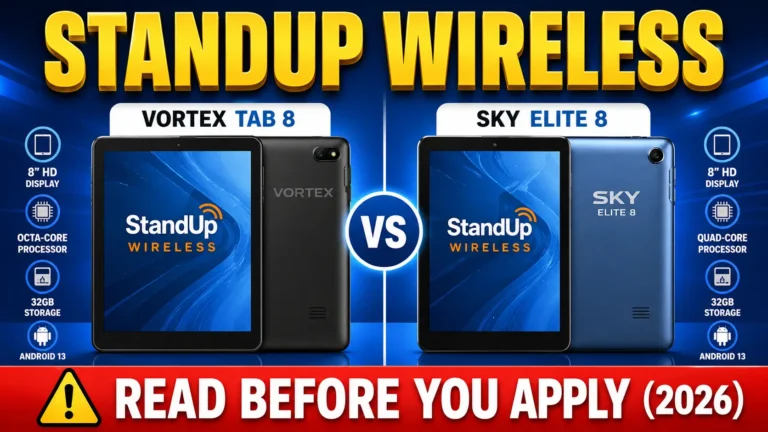
| StandUp Wireless | Check coverage by ZIP code | Tablet devices appear in support materials; current enrollment offer varies | Verify device price and terms directly | 1-800-544-4441 |
Before enrolling with any provider, call them directly and ask:
- Is a tablet currently available in my zip code?
- Is it free or is there a co-pay?
- What data and service plan is included?
- Are there any shipping or activation fees?
- What device model is currently being shipped?
Provider inventory changes regularly. Always confirm before completing enrollment.
Tip: Prefer an Apple device? Some providers occasionally stock refurbished iPads which are fantastic for senior accessibility. Learn more in our Senior’s Free iPad Guide.
Tablet Features That Matter Most for Seniors
| Feature | How to Turn It On |
|---|---|
| Large Text | Settings, Accessibility, Font Size, Large or Extra Large. Do this first. |
| Easy Mode | Settings, Display, Easy Mode. Bigger icons, less clutter. |
| TalkBack | Settings, Accessibility, TalkBack. Reads everything on screen aloud. |
| Google Assistant | Say “Hey Google” to call, remind, and open apps by voice. |
| Captions | Settings, Accessibility, Captions. Auto captions on all videos and calls. |
| Hearing Aid Pairing | Settings, Bluetooth, connect hearing aid for clearer call audio. |
Tablet Examples and Features Seniors Should Compare
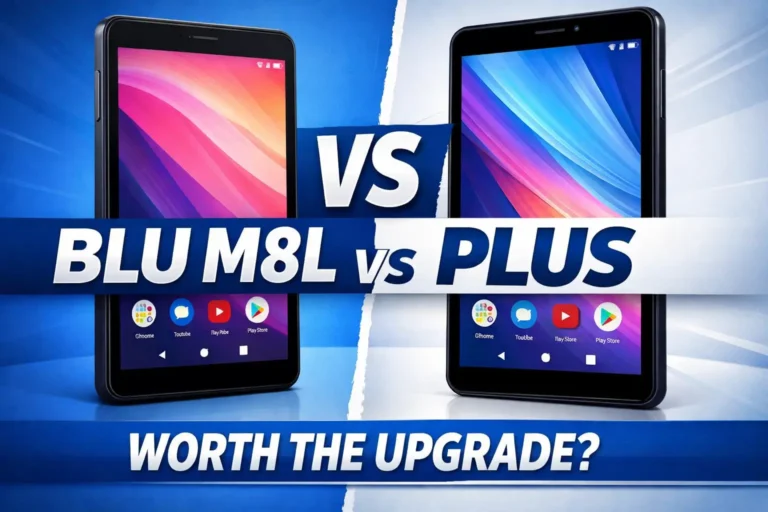
Provider inventory changes frequently, so the models below are examples for comparing screen size, storage, camera, and accessibility needs, not a promise that a provider is currently shipping a specific tablet.
| Tablet | Screen | Storage | RAM | Front Camera | Best Feature for Seniors | Fix on Day One |
|---|---|---|---|---|---|---|
| BLU M8L | 8 inch | 32GB | 2GB | 5MP | Simple Android layout, lightweight | Increase font size, enable Easy Mode |
| Sky Devices Elite T8 | 8 inch | 32GB | 2GB | 5MP | Clean home screen, accessible settings | Enable TalkBack if vision is limited |
| Alcatel Joy Tab | 8 inch | 32GB | 2GB | 2MP | Most user-friendly interface of the three | Adjust brightness, increase icon size |
What all three handle well:
- Video calls via WhatsApp, Google Meet, or Zoom
- Telehealth appointments through Teladoc, MDLive, or MyChart
- Medication reminders via Medisafe
- Email and basic web browsing
- Prescription lookups via GoodRx
For most senior daily use all three are functional. The Alcatel Joy Tab tends to be the most intuitive for first-time tablet users based on its home screen layout.
Recommended Free Apps Every Senior Should Have
Once the tablet is set up, these free apps make daily life noticeably easier:
Telehealth and Health:
- Teladoc or MDLive for video doctor visits at home
- MyChart for medical records, test results, and appointments
- GoodRx for comparing prescription prices nearby
Medication:
- Medisafe for daily medication reminders with alert sounds
Staying in Touch:
- WhatsApp for free video and voice calls to family
- Google Meet or Zoom for group family video calls
- Skype as a simple alternative for video calling
Wellness and Learning:
- SilverSneakers Go for exercise videos designed for seniors
- AARP Now for news, benefits tools, and senior resources
Reading and Accessibility:
- Libby for free library books and audiobooks using your library card
- Read Aloud to have any text on screen read back to you
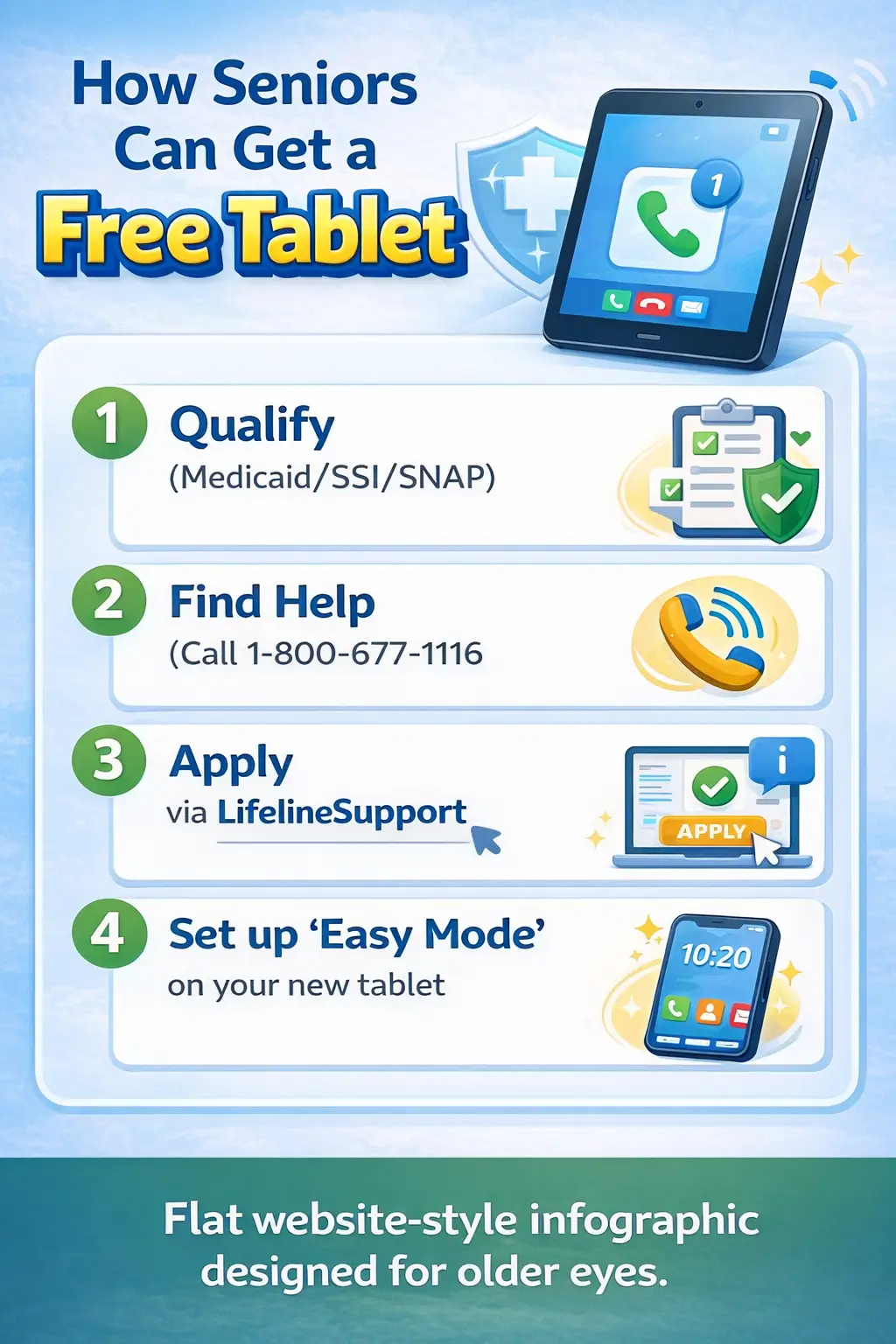
How Seniors Can Apply for Lifeline and Check Tablet Offers
- Check the eligibility path: Confirm whether the senior qualifies through Medicaid, SNAP, SSI, FPHA, Veterans Pension or Survivors Benefit, a qualifying Tribal program, or household income.
- Gather documents only if needed: USAC may request proof if eligibility or identity cannot be confirmed automatically.
- Apply through the official process: Use LifelineSupport.org or the applicable state process in Oregon or Texas.
- Get help if needed: The Lifeline Support Center, Eldercare Locator, a local library, or a trusted caregiver can help with forms and document uploads.
- Find participating companies: Use the USAC Companies Near Me tool and enter the senior’s ZIP code.
- Verify the device separately: Ask whether a tablet is currently available, its price and condition, shipping or activation charges, and the monthly service included.
- Set up accessibility: Increase text and icon size, enable captions or screen-reader features if useful, and place essential apps on the home screen.
How Seniors Can Avoid Misleading Tablet Offers
Treat any tablet offer as a provider device offer unless an official government source says otherwise. Lifeline is a service discount, and a provider may separately charge for a phone, tablet, shipping, activation, or an upgraded plan.
- Start at LifelineSupport.org or use the USAC Companies Near Me tool to identify participating companies.
- Verify the exact device price, condition, shipping charge, activation fee, return policy, and service terms on the provider’s official site.
- Never share an EBT PIN, online banking password, or other login password with a person claiming it is required for Lifeline eligibility.
- Be cautious with ads, robocalls, or messages promising an instant free tablet with no eligibility or identity check.
- If a caregiver is helping, review the provider name and payment details together before submitting sensitive information.
Suspicious communications or deceptive offers can be reported to the FCC or the Federal Trade Commission.
Common Questions About Free Tablets for Seniors
Can seniors get a free government tablet through Lifeline? Lifeline does not guarantee a tablet. It provides a discount on qualifying phone or internet service. Some participating providers may separately offer a free, low-cost, or discounted device, so seniors should check the current provider offer for their ZIP code.
Can seniors on Medicare get a free tablet? Medicare by itself is not listed by USAC as a Lifeline qualifying program. A Medicare beneficiary may still qualify through Medicaid, SSI, SNAP, Veterans Pension or Survivors Benefit, FPHA, a qualifying Tribal program, or household income. A Medicare Advantage plan may have separate device or wellness benefits, but those are not the same as Lifeline.
Can seniors on Social Security retirement qualify for Lifeline? Regular Social Security retirement is not a separate qualifying program. However, a senior may qualify through income if total household income is within the Lifeline limit, or through another qualifying benefit such as Medicaid or SSI.
How do I find free or low-cost tablets for seniors near me? Use the official USAC Companies Near Me tool to find Lifeline companies serving the senior’s ZIP code. Then check each provider’s current device page or contact the provider to ask whether a tablet is available, what it costs, and what service is included. Our tablet near me guide explains the local search process.
Can a senior get a free iPad? A free iPad is not guaranteed by Lifeline. Some providers may list discounted or refurbished Apple devices at certain times. Check current inventory and condition before enrolling, and see our iPad guide for the differences between provider offers and government benefits.
What documents may a senior need? USAC may request proof of identity, address, program participation, income, or household status when information cannot be verified automatically. Use our Lifeline document checklist to prepare without uploading unnecessary files.
FAQs
What programs are best for seniors looking for a free tablet?
Lifeline is the main federal service-discount program discussed here. Seniors may qualify through Medicaid, SNAP, SSI, FPHA, Veterans Pension or Survivors Benefit, qualifying Tribal programs, or household income. Eldercare Locator, BenefitsCheckUp, and Senior Planet are support resources, not tablet providers.
Does regular Social Security retirement qualify me?
Regular Social Security retirement does not qualify by itself. A senior may qualify through household income; for a one-person household in the 48 contiguous states, D.C., and territories, the 2026 Lifeline limit is $21,546. Alaska and Hawaii have higher limits. SSI is a separate qualifying program.
What is the easiest type of tablet for seniors?
Many seniors find an 8- to 10-inch screen easier to read and tap than a small phone. Look for adjustable text and icon size, captions, screen-reader support, loud speakers, simple navigation, and current security updates. No single tablet model is guaranteed through Lifeline.
Conclusion
Seniors may qualify for Lifeline through Medicaid, SNAP, SSI, FPHA, Veterans Pension or Survivors Benefit, qualifying Tribal programs, or household income. Medicare and regular Social Security retirement do not qualify by themselves, although many seniors may qualify through another program or the income route.
Use the official Lifeline application to confirm eligibility, then use USAC’s Companies Near Me tool to find providers in your ZIP code. Treat any tablet as a separate provider offer and verify the current model, price, condition, fees, and service terms before enrolling.