Lifeline Application Rejected? 6 Reasons & How to Fix It
A rejected, incomplete, or pending Lifeline application usually means the National Verifier could not confirm part of your identity, address, household status, income, or qualifying-program information. Some errors can be corrected by submitting clearer or updated documents, while others may mean the applicant does not currently qualify.
Table of Contents
In 2026, Lifeline remains available for qualifying phone or internet service. However, Lifeline approval does not guarantee a free tablet, a particular device, or approval from a specific provider.
Use this guide to identify the application status or error, prepare the requested documents, and take the correct next step without submitting unnecessary duplicate applications.
Quick answer: Read the notice carefully before submitting another application. A “documentation required,” “pending,” or “already enrolled” message needs a different solution than an actual eligibility denial. Prepare the correct Lifeline application documents before trying again.
Top Reasons Your Lifeline Tablet Application Was Rejected
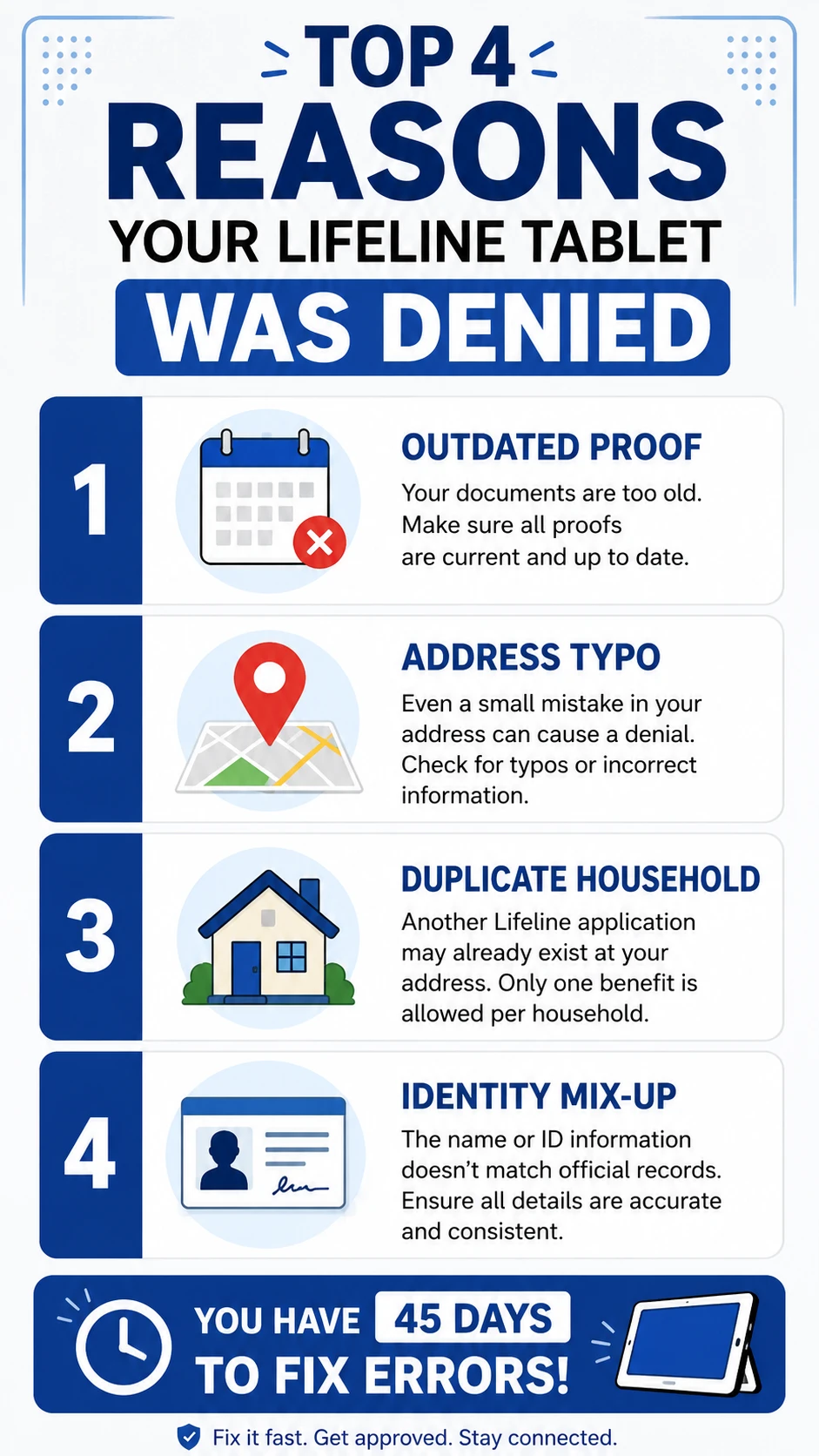
1. Wrong or Outdated Paperwork
The number one reason for a Lifeline documentation error is that the paperwork isn’t quite right. The system is very picky. Your proof needs to show:
- Your full legal name
- The program you are in (like SNAP, Medicaid, or SSI)
- The agency that gave you the benefits
- A date from the last 12 months (or a future expiration date)
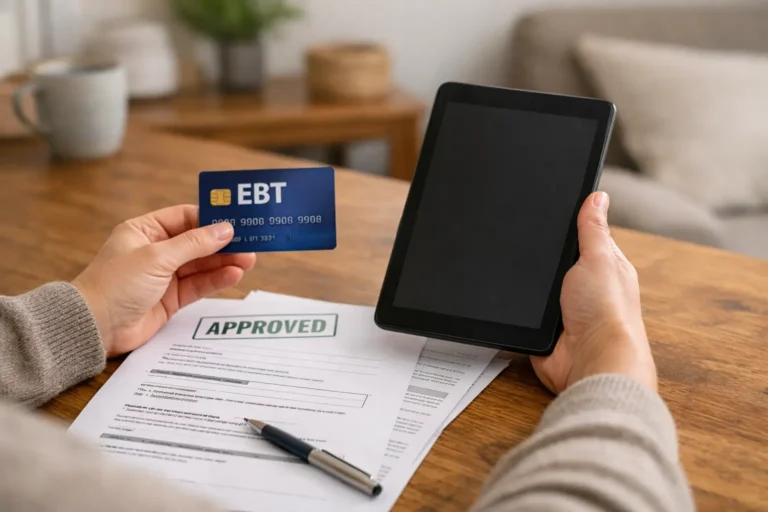
The fix: Go to your state’s SNAP or Medicaid portal and download your latest award letter. A plastic EBT card usually won’t work because it doesn’t show a date. If you are applying based on what you earn, one paycheck isn’t enough: you need three months of stubs or your 2025 tax return. Check our documents needed for a free government tablet guide for the full list.
2. Address Mix-ups in the Database
If the address you typed doesn’t match official records, you will get an NLAD address error. This happens most often if you forget an apartment number or live in a brand-new building that isn’t in the system yet.
The fix: Use the map tool inside the application to drop a pin on your exact home. If you are mailing things in, send a utility bill or a lease that shows your name and address.
California applicants: Effective February 1, 2026, the National Verifier determines federal Lifeline eligibility in California, and providers use NLAD to enroll eligible consumers. If automated checks cannot confirm your information, you may need to submit supporting documents.
3. The One-Per-Household Rule
Lifeline generally allows one benefit per household, not simply one benefit per address. People sharing an address may be separate households if they do not share income and household expenses. If a roommate or family member already has it, your application will be flagged as a household violation.
The fix: If you live with others but keep your money and bills separate (like in a nursing home or a shared apartment), you just need to fill out the Lifeline Household Worksheet. This tells the government that you are an independent household even if you share an address.
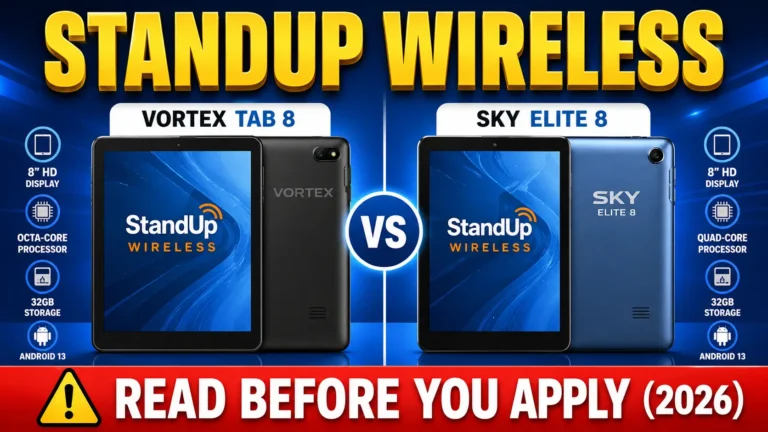
Program Check: If your application was flagged for income verification, remember that applying with program participation is much faster. Read our Tablet with EBT Guide or check specific provider rules in our StandUp Wireless Tablets Review.
4. You Already Have an Account
You can only have one Lifeline benefit at a time. If you already have a Lifeline phone and try to get a tablet from a different company, the system will block you. This is a common cause of a lifeline application denied notice.
The fix: Contact the new Lifeline company and ask it to transfer your existing Lifeline benefit. You may need to confirm your eligibility or reapply before the transfer can be completed. Do not try to keep Lifeline benefits with two companies at the same time.
5. Identity Errors (TPIV)
This happens when your name, birthday, or Social Security number doesn’t match federal records. It’s usually just a typo or a name change that hasn’t been updated yet.
The fix: Upload the specific unexpired identity documents requested in the error notice. For an SSN4 error, use an official document showing your name and the last four digits of your Social Security number. Never upload more sensitive information than the official application requests. Make sure the photo is bright and not blurry. Always use your current legal name exactly as it appears on your ID: no nicknames.
6. Earning More Than the Limit
To qualify based on income, you have to be at or below 135% of the Federal Poverty Guidelines. For 2026, that means a single person can earn up to $21,546 a year (which is about $1,795 a month).
The fix: If you or someone in your household participates in a qualifying program such as SNAP, Medicaid, or SSI, you may qualify through program participation instead of the income-based route. Check our Lifeline phone and tablet options page to see the full list of programs that get you in automatically.
Why You Were Denied and How to Fix It
| Reason for Denial | What the Error Says | Recommended Next Step |
|---|---|---|
| Old proof | Documentation Not Valid | Use a letter from the last 12 months |
| Address error | Address Not Found | Use the map tool or send a utility bill |
| Someone else has it | Household Violation | Fill out the Household Worksheet |
| Existing account | Already Enrolled in NLAD | Ask for a benefit transfer |
| Identity mix-up | Identity Not Verified | Submit the specific identity documents requested |
| Income too high | Exceeds 135% FPG | Check whether you qualify through an accepted assistance program |
How to Fix Your Application: Step by Step
- Call and ask: Call the Lifeline Support Center at 1-800-234-9473. Give them your ID number and ask for the exact error code so you don’t have to guess.
- Get the right paper: Grab the document that fixes the error: like a new award letter, a photo of your ID, or a utility bill.
- Send it in: Upload it to the National Verifier website or mail a copy to: Lifeline Support Center, PO Box 1000, Horseheads, NY 14845.
- Check the review status: Online documents submitted during support hours may be reviewed quickly, while documents submitted by mail may take approximately seven to ten business days for a mailed decision.
- Enroll with a provider: After eligibility approval, contact a participating Lifeline phone or internet company. Approval does not guarantee a tablet or particular device.
Important: Follow the deadline shown in your application notice. If your application or eligibility decision expires, you may need to complete a new application.
Why a Company Might Still Say No
Lifeline eligibility approval and provider enrollment are separate. A provider may be unable to complete your enrollment because it does not serve your ZIP code, the selected offer is unavailable, information does not match, or device inventory has changed. Contact the provider for the exact reason or compare participating Lifeline providers serving your area. You can also check our government tablet near me guide. A valid National Verifier eligibility decision generally must be used within 90 days for enrollment.
FAQs
Why was I denied if I have EBT or Medicaid?
Sometimes the system can’t see your status automatically. If that happens, you just have to manually upload your award letter from the last 12 months. A plastic card usually isn’t enough.
How long do I have to fix a denial?
Follow the deadline shown in your application notice. If your application or eligibility decision expires, you may need to complete a new application.
How long is my approval good for?
Once you are approved, you have 90 days to sign up with a company. If you wait longer, you’ll have to prove you qualify all over again.
Why does it say my Social Security number is in use?
This usually means an old account is still open or someone used your info by mistake. Call the Lifeline Support Center to fix it.
Can two roommates both qualify for Lifeline?
They may each qualify if they are separate economic households and complete any required Household Worksheet. Lifeline approval does not guarantee tablets.
Is documentation required the same as rejection?
No. It generally means more information is needed before eligibility can be decided.
Does Lifeline approval guarantee a free tablet?
No. Lifeline supports qualifying phone or internet service. Any tablet offer depends on provider availability and terms.
Conclusion
Getting denied for a Lifeline tablet isn’t a no forever: it’s usually just a request for a better photo or a newer letter. Lifeline is a great way to stay connected in 2026. Just make sure your documents are current and your address is exact. If you fix the errors within 45 days, you’ll be back on track to getting your device.
Just follow the application steps and you should be good to go.