Free Government Tablet Documents: What You May Need in 2026
What documents do you need for a free government tablet application? You usually need proof of identity, proof of address, and either proof of program participation or proof of income. The exact request depends on the National Verifier, your state process, and the Lifeline provider. A tablet is not guaranteed because Lifeline helps lower phone or internet service costs, while tablet offers vary by provider.
Many applications are delayed because a document is blurry, outdated, missing a full legal name, or does not show the required program or income details. This checklist explains the common free government tablet documents you may be asked for before applying through Lifeline provider offers.
Last updated: September 2026
Quick Answer: What Documents Are Needed?
For a free or low-cost tablet application through a Lifeline provider offer, you may need a photo ID or other identity proof, current address proof, and either proof of program participation or proof of income. Program proof may include Medicaid, SNAP, Supplemental Security Income, Federal Public Housing Assistance, Veterans Pension, Survivors Benefit, or qualifying Tribal program documents. Income proof may be requested if you qualify by household income instead of a benefit program. If another adult at your address already has Lifeline, you may need to answer household questions or complete a Lifeline Household Worksheet. Upload clear photos or PDFs that show your full name, program name or income details, address, issuer, and valid date. Provider offers, upload rules, and tablet availability can vary, so follow the exact instructions shown during the National Verifier or provider application.
Quick Start: If you are ready to find a free government tablet online but don’t know which company is best, check out our ranking of the Best Government Android Tablets before submitting your documents.
How does Lifeline tablet eligibility work?
Lifeline is a federal program that helps lower the monthly cost of phone or internet service for eligible households. It is not, by itself, a guaranteed tablet giveaway.
Some participating Lifeline providers may offer a free or low-cost tablet as a promotional or device offer with service. These tablet offers can depend on your state, ZIP code, provider availability, inventory, current plan rules, and any device cost listed by that provider.
In simple terms:
- You may qualify for Lifeline through a qualifying assistance program or household income.
- The National Verifier or state process may check your eligibility documents.
- A participating phone or internet company may then enroll you in Lifeline service.
- Any tablet offer is separate from the Lifeline discount and depends on the provider’s current offer.
- The National Lifeline Accountability Database, also called NLAD, helps prevent duplicate Lifeline benefits.
Good documents do not guarantee a tablet, but they can reduce delays when your Lifeline eligibility or provider enrollment needs review.
Table of Contents
Who checks your Lifeline documents?
Your Lifeline documents may be checked by more than one system or team, depending on your state and the provider you choose.
- National Verifier: The Universal Service Administrative Company, also called USAC, uses the National Verifier to confirm Lifeline eligibility in most states.
- State process: Some states may have their own eligibility process or extra steps.
- Lifeline provider: The phone or internet company may review documents again before completing enrollment or offering a device.
- NLAD: The National Lifeline Accountability Database helps check whether a household is already receiving a Lifeline discount.
What documents do you need for a free government tablet application?
There is no single four-document package that every applicant must upload. The National Verifier, a state process, or a Lifeline provider may ask for documents only when information cannot be confirmed automatically or when more proof is needed. Depending on your situation, you may be asked for identity or date-of-birth proof, address proof, and either program-participation or income documentation. If another adult at your address already receives Lifeline, you may also need to answer household questions or complete the Lifeline Household Worksheet.
| Document type | When needed | What it must show | Common examples | Common mistake |
|---|---|---|---|---|
| Proof of identity / date of birth | When identity, date of birth, SSN, or Tribal ID needs verification | First and last name, date of birth, or requested ID details | Driver’s license, state ID, passport, birth certificate, Tribal ID, Social Security card if requested | Name does not match other documents |
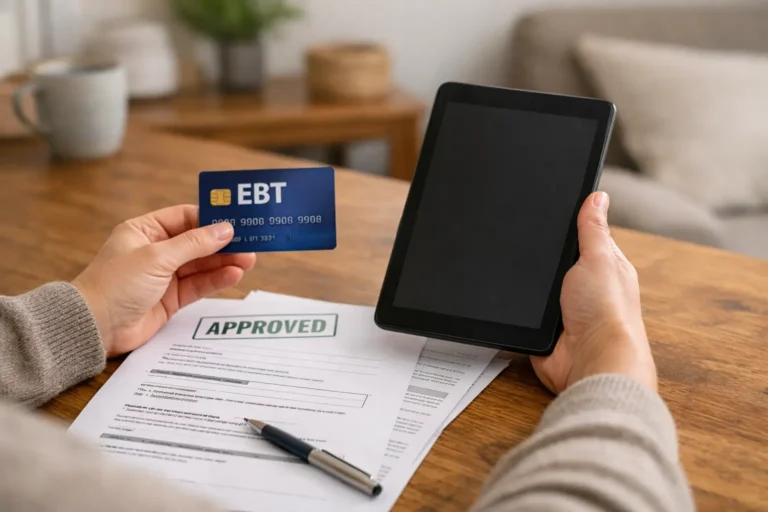
| Proof of program participation | When qualifying through Medicaid, SNAP, SSI, FPHA, Veterans Pension, Survivors Benefit, or Tribal programs | Name, program name, issuer or agency, and active status, valid date, or recent issue date | Benefit award letter, statement of benefits, benefit verification letter, official portal screenshot | Uploading only an EBT card with no SNAP proof details |
| Proof of income | When qualifying by household income instead of a benefit program | Name, annual income, and issue date within the last 12 months, or official income documents for three months in a row | Tax return, income statement, Social Security benefit statement, unemployment statement, pay stubs | Sending one pay stub when consecutive documents are requested |
| Proof of address | When your physical address needs verification | First and last name and current physical address | Utility bill, mortgage or lease statement, W-2, tax return, map or location document if allowed | Using a document that only shows a mailing address and not enough address detail |
| Household Worksheet | When another adult at the same address already has Lifeline | Whether you share income and expenses with the other Lifeline user | Online household questions or Lifeline Household Worksheet | Assuming two adults at one address can always qualify separately |
| Name change document | When your current name differs across ID, benefit, income, or address documents | Old name, new name, and official legal change record | Marriage certificate, divorce decree, court name change order | Uploading documents with different names and no explanation |
What proof of identity can you use?
You may be asked to prove your identity, date of birth, Social Security Number, Tribal ID, alive status, or emancipated minor status. The exact document request depends on what the National Verifier or provider needs to confirm.
Common identity or date of birth examples may include:
- Unexpired driver’s license or state ID
- Unexpired U.S. passport
- U.S. birth certificate
- Government, military, state, or Tribal issued ID
- Certificate of Naturalization or Certificate of U.S. Citizenship
- Tribal ID card or official Tribal enrollment letter
If your name is different on your ID, benefit letter, tax return, lease, or utility bill, include a legal name change document such as a marriage certificate, divorce decree, or court order if requested.
What proof of program participation can you use?
You may qualify for Lifeline if you or your dependent participates in a qualifying program such as Medicaid, SNAP, Supplemental Nutrition Assistance Program, Supplemental Security Income, Federal Public Housing Assistance, Veterans Pension, Survivors Benefit, or a qualifying Tribal program.
Applying with specific benefits? You can also read our dedicated guides for tablet with EBT or SNAP, Medicaid tablet documents, and tablets for seniors.
Your program document should clearly show:
- Your name or your dependent’s name
- The program name, such as Medicaid, SNAP, SSI, FPHA, Tribal TANF, BIA General Assistance, FDPIR, or Head Start if it meets the Lifeline rule
- The government agency, Tribal entity, or program administrator that issued it
- An issue date within the last 12 months or an expiration date in the future
Common examples may include:
- Benefit award letter
- Statement of benefits
- Benefit verification letter
- Screenshot of an official online benefits portal, if it clearly shows the required details
A screenshot of an official online benefits portal may be accepted when it clearly shows your name, program name, issuer or agency, and active status or valid date. Some providers may still prefer an official PDF or benefit letter, so always follow the exact upload instructions shown during the application.
What proof of income can you use?
If you do not qualify through a benefit program, you may qualify by household income. Lifeline income eligibility is based on household income at 135% or less of the Federal Poverty Guidelines.
Your income document should show:
- Your name or your dependent’s name
- Your annual income
- An issue date within the last 12 months, or official income documents for three months in a row
Common examples may include:
- Prior year federal, state, or Tribal tax return
- Current annual income statement from your job
- Three consecutive pay stubs, if requested
- Social Security statement of benefits
- Unemployment or worker’s compensation statement of benefits
- Federal or Tribal notice letter of participation in General Assistance
- Divorce decree or child support award showing income
Do not guess which income document will work. Use the exact document type requested by the National Verifier, state process, or provider upload screen.
What proof of address can you use?
Address proof matters because Lifeline allows only one discount per household. A household means people who live together and share income and expenses.
Your address document should show:
- Your first and last name
- Your current physical address
Common examples may include:
- Utility bill, if accepted by the application instructions
- Mortgage or lease statement
- Most recent W-2 or tax return
- A map or location document if the application allows it
- Other official mail or documents accepted by the provider or National Verifier
If your ID has an old address, you may still be able to use a separate current address document. The important thing is that the application can verify where you currently live.
When do you need a Household Worksheet?
You may need to answer household questions or complete a Lifeline Household Worksheet if another adult at your address already receives Lifeline.
You may need it if:
- You live with roommates but do not share income and expenses
- You rent a room in someone’s home and pay your own bills separately
- You share an address with family but maintain a separate household budget
- The National Verifier or provider flags your address for a duplicate household check
Two people at the same address cannot both use Lifeline if they are one household. But separate households at the same address may be asked to prove that they do not share income and expenses.
Official sources to check before applying
Before uploading documents, check the official Lifeline and National Verifier instructions because rules, forms, and provider requirements can change.
Documents by Specific Program
SNAP (Food Stamps / EBT) Bring your SNAP benefit approval letter, your current benefit notice from your state’s Department of Social Services, or a screenshot of your state benefits portal showing your active enrollment. It has to show your name and the word “SNAP.”
Medicaid Bring your Medicaid benefit letter, Medicaid card, or a screenshot of your Medicaid online account. If you have a health plan card through Medicaid (called a Managed Care card), that usually works too as long as it says “Medicaid” on it. A medical bill or prescription receipt will not be accepted.
SSI Bring your SSA award letter that specifically says SSI on it. Regular Social Security retirement or SSDI is a different program. Make sure your letter actually says “Supplemental Security Income” or “SSI” before you send it.
Federal Public Housing Assistance (Section 8) Bring your current housing assistance approval letter from HUD or your local housing authority showing your active participation.
Veterans Bring your VA award letter showing your Veterans Pension or Survivors Benefit. If you are active duty and qualifying by income instead, you can use your Leave and Earnings Statement (LES).
Tribal Programs Bring an official letter from your tribal program agency showing your enrollment. Qualifying programs include BIA General Assistance, Tribal TANF, FDPIR, and Tribal Head Start. Residents on Tribal lands also get an enhanced Lifeline benefit.
Upload tip: Clear photos, scans, or PDFs may work if the application accepts that format. Follow the provider or National Verifier upload instructions for file type, size, and image quality. Make sure all four corners are visible and the text is readable.
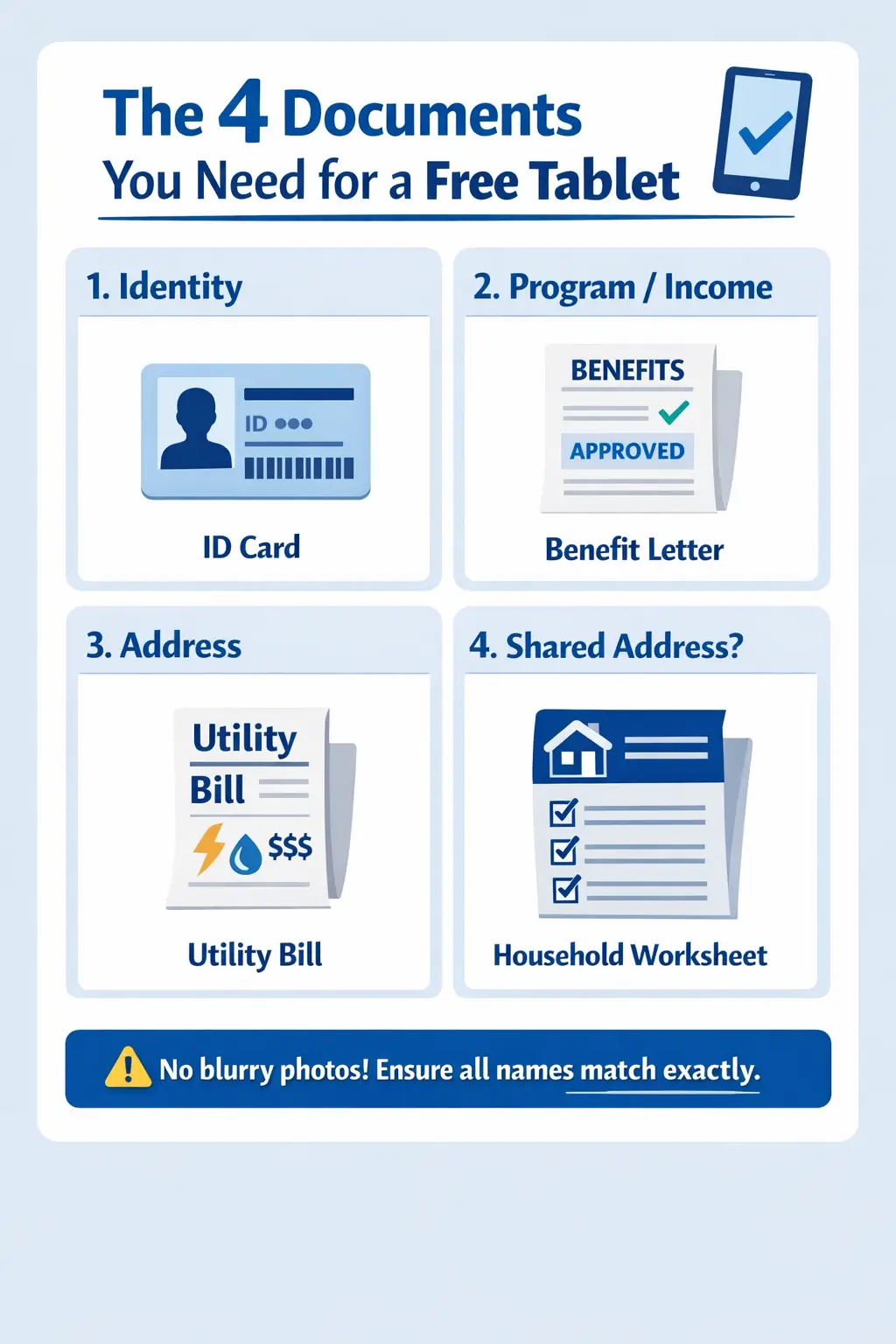
Your Full Document Checklist
Print this out or screenshot it before you apply.
Proof of Identity (everyone):
- Unexpired government photo ID
- Name matches exactly on every document
- Name change document included if your name has changed
Proof of Program Enrollment (program path only):
- SNAP benefit approval letter or online portal screenshot
- Medicaid card or benefit letter
- SSI award letter
- Federal Public Housing Assistance letter
- VA pension or survivors benefit letter
- Tribal program benefit letter
Proof of Income (income path only):
- Last year’s IRS Form 1040
- Last 3 consecutive pay stubs
- SSA or disability benefit letter
- Unemployment or Worker’s Compensation letter
- Pension or retirement income statement
Proof of Address (if requested):
- Use a current document that shows your first and last name and physical address.
- Common examples may include a utility bill, lease or mortgage statement, W-2 or tax return, or another address document accepted by the application.
- Follow the exact National Verifier, state, or provider request instead of assuming one document type is required for everyone.
If another adult at your address already has Lifeline:
- You may need to answer household questions or complete the Lifeline Household Worksheet to show whether you are one household or separate households.
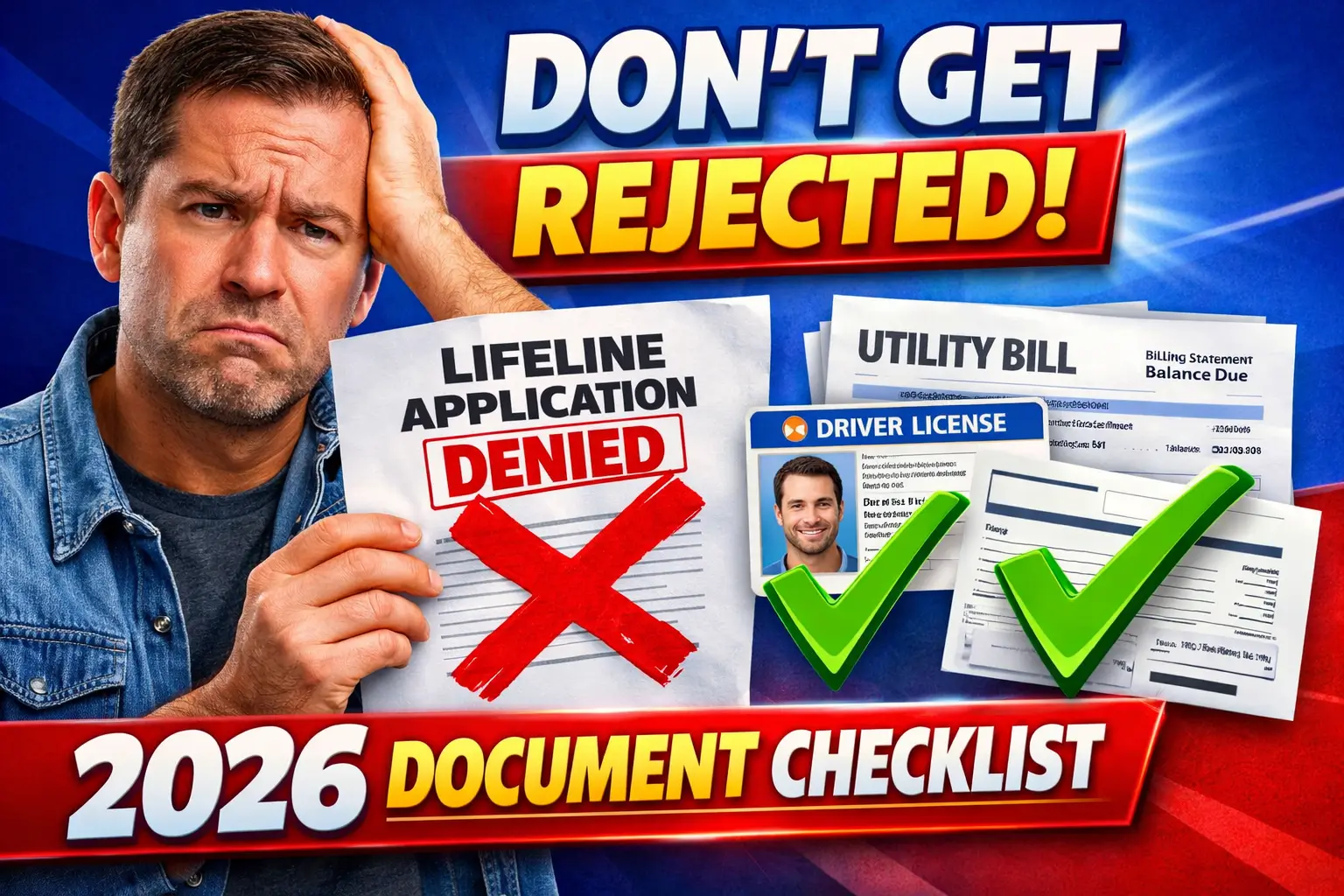
Why do Lifeline applications get delayed or denied?
Provider note: The National Verifier, state process, and provider may each have different instructions. For provider-specific details, read our guides on Assurance Wireless tablet offers, SafeLink Wireless tablet offers, and AirTalk Wireless tablets.
| The problem | Why it happens | Safer fix |
|---|---|---|
| Name mismatch | One document uses a nickname, old name, or shortened name | Use your full legal name and add a name change document if needed |
| Old benefit letter | The issue date is too old or active status is not clear | Download a current benefit verification letter or portal document |
| Blurry document photo | Text, name, date, or document number cannot be read | Retake the photo in good light and show the full document |
| EBT card only | A card may not show SNAP status, issuer, or valid date | Use a SNAP benefit letter, verification letter, or clear official portal screenshot |
| Shared address issue | Another adult at the same address may already have Lifeline | Answer household questions or complete the Household Worksheet if requested |
| Wrong upload format | The provider or application does not accept the file as uploaded | Follow the exact file type, size, and upload instructions on the application screen |
What should you do if your document is rejected?
A rejected document does not always mean you are not eligible. The application may be delayed or denied because the document is unclear, outdated, incomplete, or does not match the details you entered.
- Read the notice carefully. Check what document or detail the National Verifier, state process, or provider is asking for.
- Fix the exact issue. Do not upload the same unclear document again unless the notice says it is acceptable.
- Get a better copy. Download an official PDF, request a fresh benefit letter, or take a clearer photo.
- Match your information. Make sure your name, address, date of birth, and program details match your application.
- Follow the deadline shown. If the notice gives a resubmission deadline, respond before that date.
- Contact the right support team. For Lifeline eligibility issues, use Lifeline Support. For device or provider offer questions, contact the provider directly.
What If Your Situation Is a Bit Different?
You Are a Senior Expired IDs are a common problem for seniors. Try to renew yours before applying. When taking document photos, sit by a window instead of using overhead lights, which can wash out older laminated cards and make them hard to read.
You Do Not Have a Home Address You can still apply. A letter from a shelter, transitional housing program, or a social worker confirming your name and a contact address works in place of a utility bill or lease. Some providers also have a self-certification form for people without a fixed address.
You Are Not a U.S. Citizen You can still qualify in many cases. A Green Card, Employment Authorization Document (EAD), or refugee documentation works as your ID. Check the current rules for your specific immigration status at FCC.gov.
You Are Applying for a Minor A parent or legal guardian has to apply. They need to provide their own photo ID, proof of legal guardianship, and an address document in their name. The benefit is tied to the household, not the child.
Common Free Tablet Application Document Questions
Do I need both income proof and program proof for Lifeline? Usually no. If you qualify through a participating assistance program such as SNAP, Medicaid, SSI, Federal Public Housing Assistance, Veterans Pension, Survivors Benefit, or an eligible Tribal program, you may be asked for program proof. If you qualify by household income instead, you may be asked for income proof. Follow the exact document request shown in your application.
Can I apply for a free or low-cost tablet with EBT or SNAP? SNAP may help you qualify for Lifeline, but an EBT card by itself may not show all the information needed to verify SNAP participation. If proof is requested, use an accepted benefit letter, statement, or official portal record that clearly shows the required details.
What documents are needed for a Medicaid Lifeline application? If Medicaid is being used to establish Lifeline eligibility and automatic verification does not confirm it, you may be asked for an official document showing your name, the Medicaid program, the issuing agency, and current or valid participation information.
What should I do when the National Verifier asks for more documents? Read the notice carefully and upload only the type of proof requested. Use a clear, complete image or PDF and make sure names, dates, addresses, program names, or income details are readable where relevant.
Can Lifeline eligibility be verified without uploading documents? Sometimes eligibility information can be confirmed automatically. If the system cannot verify the required information, it may ask you to submit supporting documents. Do not assume every applicant must upload the same files.
Does Lifeline approval guarantee a tablet? No. Lifeline is a phone or internet service discount. A tablet, if available, is a provider-specific device offer and can vary by location, inventory, pricing, and current terms.
FAQs
What documents do I need for a free government tablet application?
You usually need proof of identity, proof of current address, and either proof of program participation or proof of income. You may also need a Household Worksheet if another adult at your address already has Lifeline.
Is Lifeline the same as a free tablet program?
No. Lifeline is a federal discount program for phone or internet service. Tablets, if offered, usually come from participating providers as promotional or device offers. A tablet is not guaranteed by Lifeline itself.
Can I use a screenshot as proof of SNAP, Medicaid, or another benefit?
A screenshot of an official online benefits portal may be accepted if it clearly shows your name, program name, issuer or agency, and active status or valid date. Some providers may prefer an official PDF or benefit letter, so follow the exact application instructions.
Does my ID address have to match my utility bill?
Not always. Your identity document and address document may be separate. What matters is that your name and current physical address can be verified and that the details do not conflict with your application.
What if my benefit letter is older than 12 months?
You may be asked for a newer document. Try to download a current benefit verification letter, statement of benefits, or official portal document that shows active status or a valid future expiration date.
Can I use a birth certificate?
A birth certificate may help prove date of birth if requested. It may not be enough for every identity check by itself. Follow the document request shown by the National Verifier, state process, or provider.
What if I live with another person who already has Lifeline?
You may need to answer household questions or complete a Lifeline Household Worksheet. The form helps show whether you and the other person are one household or separate households.
Can two people in the same house get Lifeline?
Lifeline allows only one discount per household. Two adults at the same address may be treated as separate households only if they do not share income and expenses and can complete the required household questions or worksheet.
What happens if my document is blurry?
The application may be delayed or denied if your document cannot be read. Retake the photo in good light, keep the camera steady, show all four corners, and make sure your name, date, address, and program details are visible.
Do I have to pay for the tablet?
Any device cost depends on the provider and current offer. Lifeline helps lower phone or internet service costs, but tablet offers are provider-specific and may change by state, ZIP code, inventory, and plan rules.
Editorial note: This guide is based on official Lifeline and USAC documentation and common provider application steps. Provider tablet offers, upload rules, document requests, and device availability can change.
Disclaimer: We do not provide tablets, approve applications, or represent Lifeline, USAC, the FCC, the National Verifier, or any government agency. Always check the official application and provider instructions before submitting documents.
Conclusion
A Lifeline application does not require the same document package from every applicant. Start with the exact request shown by the National Verifier, your state process, or the provider. If proof is requested, use clear, current documents that match the name and other details on your application.
Qualifying for Lifeline does not guarantee a tablet or a particular device. Any tablet offer depends on the participating provider, location, inventory, plan terms, and current device pricing.
Use the checklist above as a preparation guide, then follow the current official application instructions before uploading anything.