StandUp Wireless Free Government Tablet 2026 (Apply Now)
In a world where job applications, healthcare portals, and school logins have moved entirely online, being unplugged is not just an inconvenience. It is a barrier to opportunity. If you have seen ads for a StandUp Wireless free government tablet and wondered whether the offer is real, what device you would actually receive, and whether there are hidden costs, this guide gives you the honest answer.
Table of Contents
This guide covers what StandUp Wireless actually provides in 2026, verified against its own public tablet pages and USAC Lifeline sources, so you can apply with accurate expectations instead of chasing hype.
Checking Local Coverage? StandUp Wireless coverage varies by state. Before continuing, you can apply for a free government tablet by verifying your state’s active providers, or check our guide on how to locate a government phone and tablet near you.
Is the Free Tablet Really Free?
Here is the 2026 reality:
- Mandatory Co-pay: Federal law requires a one-time $10.01 to $50 payment for tablet hardware.
- Free Service: While the device has a cost, your monthly data and talk remain 100% free.
- Device Quality: Expect functional, entry-level Android tablets like Vortex or Sky, not luxury iPads.
- Scam Warning: Avoid sites promising no-cost luxury tablets; legitimate offers always disclose fees upfront.
Watch out: If any site promises a free iPad or a brand-new Samsung, walk away. Lifeline does not pay for premium tablets. Real offers are basic Android tablets, and any cost should be clearly stated upfront.
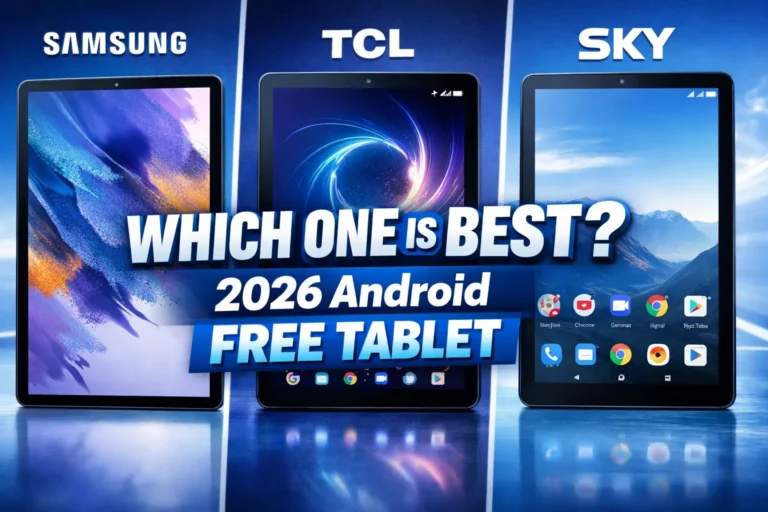
Which Tablets Does StandUp Wireless Actually Give?
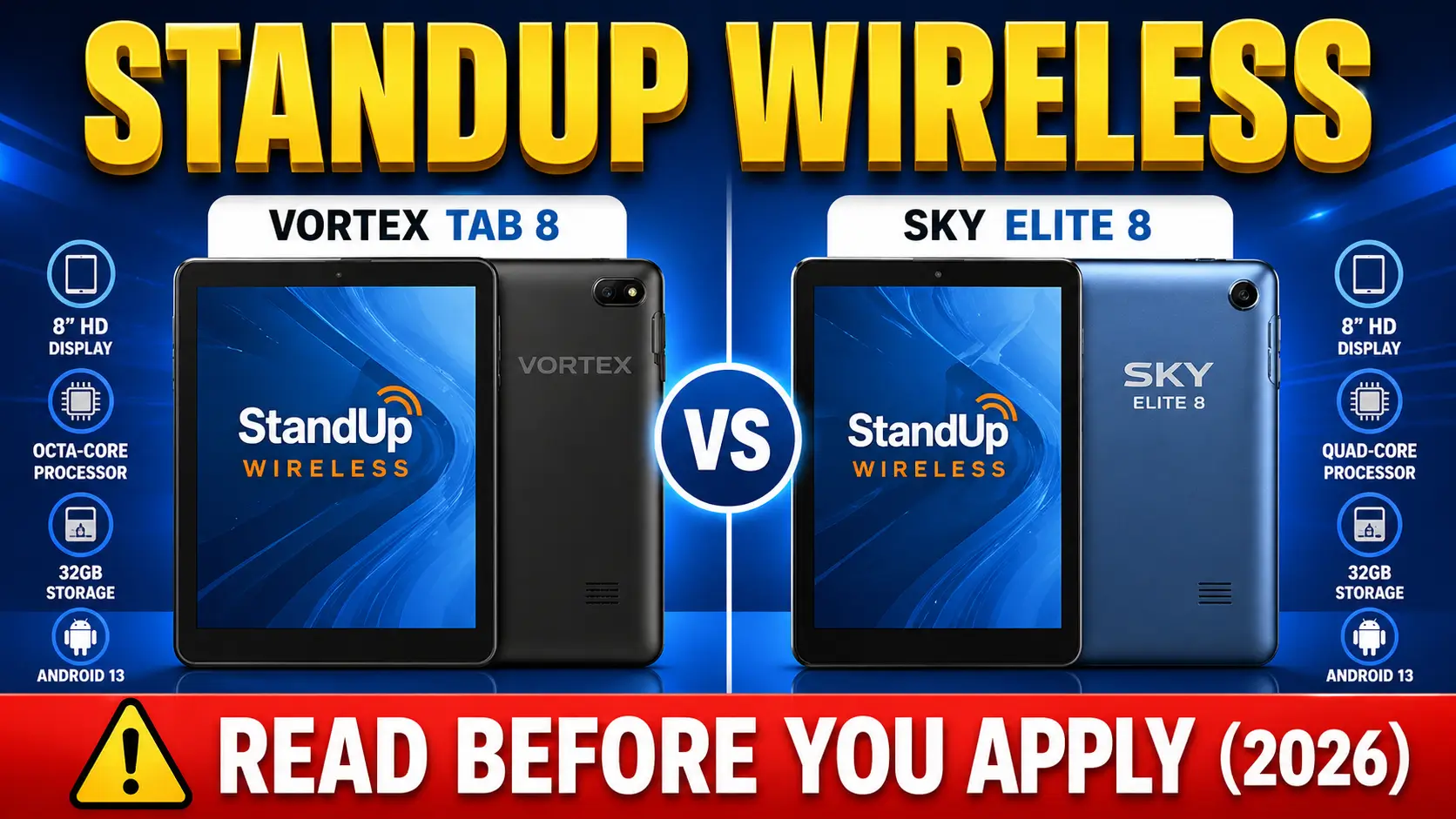
StandUp lists three main choices on its tablet page:
- Vortex Tab 8
- SKY Elite 8
- NUU Tab 8
There is also a larger 10-inch option called the Vortex T10, but the three 8-inch models are the ones StandUp shows first. What you receive depends on what is in stock when you get approved.
Researching Brands? If you want to know if these devices are actually worth accepting, read our specific hardware reviews for the Sky Devices Tablet and see how they compare to the popular Best Android Alternatives.
Quick Look at the Hardware
| Device | Screen | RAM | Best For |
|---|---|---|---|
| Vortex Tab 8 | 8 inch | 2GB | Light daily use, seniors, basic browsing |
| SKY Elite 8 | 8 inch | 2GB | School portals, email, video calls |
| NUU Tab 8 | 8 inch | 2GB | General everyday use |
| Vortex T10 | 10 inch | 4GB | Larger screen, better for multitasking |
These work fine for:
- Video calls with your doctor
- School apps like Google Classroom
- Job applications and resumes
- Email, browsing, maps, YouTube, forms
They are not for heavy gaming, video editing, or running ten apps at once. Keep that expectation real and you will be happy.
Are They Good Enough for Everyday Use?
For normal everyday stuff, yes. For replacing a laptop, no.
An 8-inch tablet with 2GB of RAM handles Gmail, PDFs, browsing, maps, forms, short videos, and basic video calls without any drama. You will feel the slowdown if you keep too many apps open, store a lot of photos or videos on it, or try to run heavy apps.
Who benefits most from these tablets:
- Seniors who want a bigger screen than a phone
- Students who need a browser and school portals
- Parents keeping up with school messages and homework
- Job seekers filling out applications on the go
- Families without home internet who need something reliable
The big plus: these tablets run on LTE, not just Wi-Fi. So you stay online even without home internet.
Do You Qualify? 2026 Eligibility Criteria
Applying via Special Programs? The guidelines below are for general users. We have dedicated application guides available if you are trying to qualify with SNAP/EBT cards, or if you are applying as a Veteran or Senior Citizen.
Eligibility is strictly monitored by the Universal Service Administrative Company (USAC). You cannot bypass these requirements.
1. Program-Based Qualification
You qualify automatically if anyone in your household participates in:
- SNAP (Supplemental Nutrition Assistance Program)
- Medicaid
- SSI (Supplemental Security Income)
- Federal Public Housing Assistance
- Veterans Pension and Survivors Benefit
2. Income-Based Qualification
If you don’t use the programs above, you qualify if your household income is at or below 135% of the Federal Poverty Guidelines. For 2026, this roughly translates to:
- $20,331 for a 1-person household
- $27,527 for a 2-person household
(Note: Thresholds are higher in Alaska and Hawaii.)
The One-Per-Household Rule
The FCC defines a household as anyone living at the same address who shares income and expenses. If you live with a roommate but keep your finances completely separate, you may both qualify, but you must fill out a Household Worksheet to prove economic independence.
Tribal Lands Bonus
If you live on federally recognized Tribal lands, your monthly Lifeline discount can go up to $34.25 instead of the standard $9.25. That usually means a better service allotment.
How to Apply: Step by Step
No shortcuts here. You have to prove you qualify first.
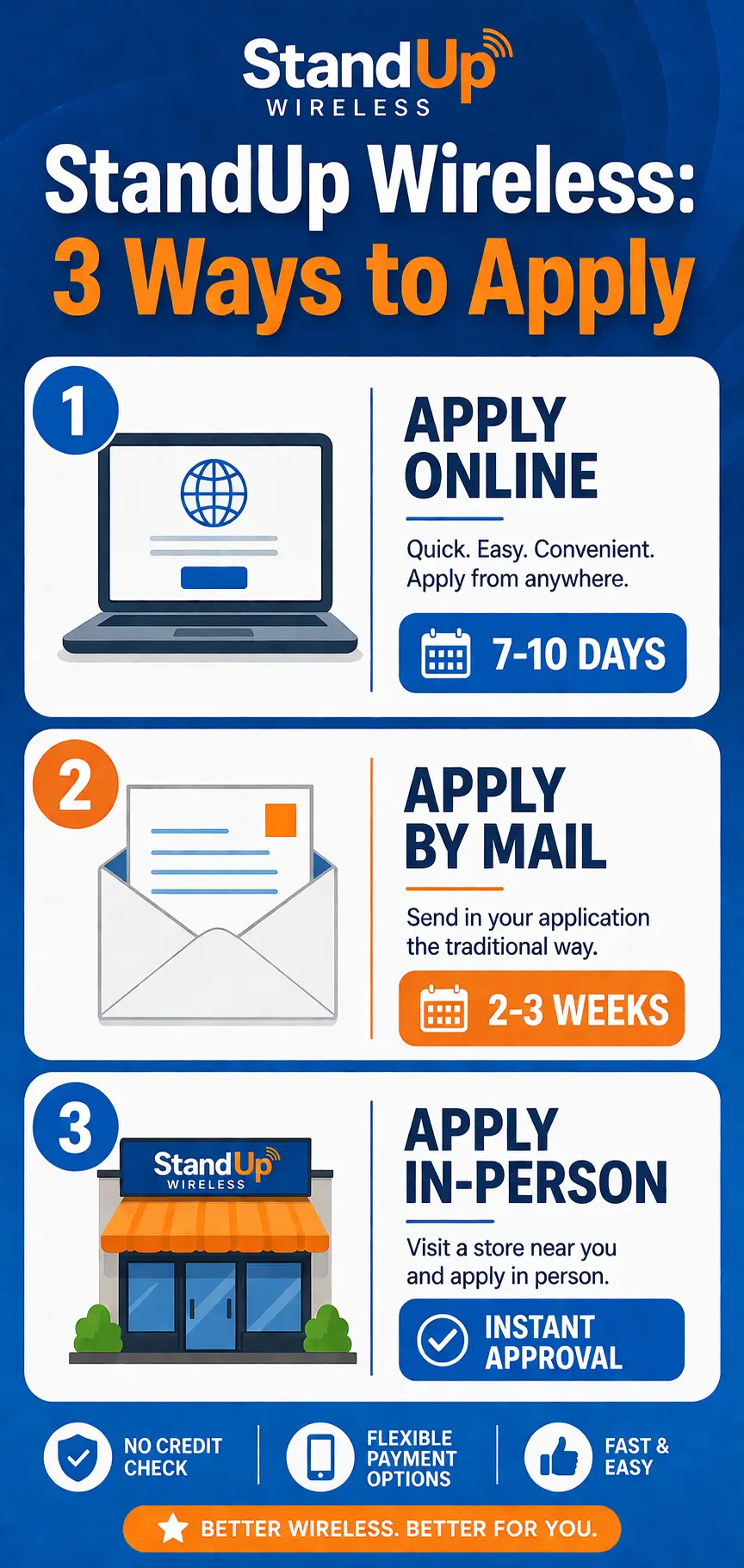
1. Apply Online (Fastest Method)
This is the recommended route for those who want their tablet shipped within 7–10 business days.
- Step 1: The Coverage Check: Go to standupwireless.com and enter your ZIP code.
- Step 2: National Verifier: If you haven’t already, you must be approved at lifelinesupport.org. You will receive a Qualification ID.
- Step 3: Enrollment: Return to the StandUp site and complete the enrollment using your Qualification ID.
- Step 4: Device Selection: Once your Lifeline service is approved, you will be redirected to a page to select your tablet (e.g., Vortex Tab 8 or SKY Elite 8) and pay your mandatory one-time co-pay ($10.01 – $50.00).
2. Apply by Mail (Traditional Method)
If you prefer to use physical paperwork, you can mail or fax your application. Note that this adds 2–3 weeks to the processing time.
- The Form: You can request a paper application by calling customer service or downloading the Lifeline Service Application and Certification form from the StandUp Wireless website (Resource section).
- The Documents: You must include a photocopy (not original) of your ID and your SNAP/Medicaid award letter.
- Mailing Address: StandUp Wireless, P.O. Box 48269, Atlanta, GA 30362-1269
- Fax Option: You can fax your completed application and proof of eligibility to: 1-888-647-1499.
3. Apply In-Person
StandUp Wireless does not have standard big-box retail stores. Instead, they use a network of Independent Field Agents and Local Retail Partners.
- Where to Find Them: Look for authorized “StandUp Wireless” tents at community events, local libraries, or near social service offices (like SNAP/WIC centers) in cities like Atlanta, GA; Fresno, CA; Las Vegas, NV; and Tucson, AZ.
- Retail Partners: Many independent wireless shops (neighborhood cell phone stores) are authorized agents. Look for the “StandUp Wireless Authorized Dealer” decal on the window.
- What to Bring: You must bring your physical ID and a printed copy of your benefit award letter. The agent will use a tablet to scan your documents and get you approved on the spot.
The Mistakes That Get People Stuck
Most delays come from the same two mistakes. If you avoid them, you are ahead of most applicants.
Big one: Medicare is NOT Medicaid. Do not send your Medicare card as proof of Medicaid. They are different programs and they get rejected.
Another one: An EBT or SNAP card by itself only counts as proof in California. Everywhere else, you need an award letter or official benefits statement instead of just a card photo. (Read our document guide to ensure you upload the correct paperwork).
To keep things smooth:
- Use a recent award letter or official benefits statement, not a card
- Make sure the image is clear and easy to read
- Check that your name matches exactly
- Make sure the program name shows
- Use a document from the last 12 months
Get these right and you might go from approval in a week instead of a month of back-and-forth.
What You Get With a StandUp Wireless Tablet
An 8-inch Android LTE tablet (Vortex Tab 8, SKY Elite 8, or NUU Tab 8), with unlimited talk and text plus around 4.5GB to 10GB of monthly data, for a one-time cost usually under $50. Exact numbers depend on your state, so check the StandUp site for your ZIP code before you apply.
Quick Two-Minute Check Before You Apply
- Enter your ZIP code on the StandUp site to see if tablets are offered in your area
- Look at the specific offer for your state, including monthly data and any fees
- Make sure the numbers match what you expect, so nothing surprises you later
FAQs
Does StandUp Wireless really give free tablets?
Tablets are offered, yes, but only when they are in stock and your state qualifies. StandUp is not available everywhere.
Which tablet do they usually give?
Right now, the listed models are the Vortex Tab 8, SKY Elite 8, and NUU Tab 8. All 8-inch Android tablets with LTE.
Can I get an iPad?
No. Lifeline does not pay for iPads. Any ad promising a free iPad is misleading.
Are these tablets any good?
For basic daily use, yes. For heavy multitasking or gaming, no. They are simple Android tablets that get the job done.
Does the tablet come with data?
Sometimes yes, sometimes no. It depends on the offer in your state. Some include a SIM with data, others expect you to use Wi-Fi or your existing Lifeline phone. Check your state’s offer page.
Conclusion
A StandUp Wireless tablet is not a luxury gadget. It is a basic, reliable Android tablet that helps people stay connected when they need it most. If you are a senior, a student, a parent juggling school apps, or someone trying to get a job online, this kind of tablet can make a real difference.
The most realistic thing to expect in 2026: an 8-inch Android LTE tablet that works for school, email, telehealth, forms, and everyday browsing. Not fancy, but useful.
Before you apply, do these three things in order:
- Check if you qualify through Lifeline
- Check if StandUp covers your ZIP code
- Check that your documents are fresh and match
Do that and you will save yourself weeks of frustration.
Ready? Start with the Lifeline National Verifier at LifelineSupport.org, then head to the StandUp Wireless site to finish your application.
Already got your tablet? Drop a comment and share what worked for you. It helps the next person going through this process.