Assurance Wireless Tablet 2026: Is It Available or Not?
Most people think getting a free tablet from Assurance Wireless is as simple as clicking a button. It isn’t. You can waste weeks waiting for a package that never arrives because of a tiny mistake on your application. The old Affordable Connectivity Program ended in 2024, so older ACP tablet claims may no longer apply. In 2026, Assurance Wireless is mainly a Lifeline phone/service provider, and any tablet claim should be verified directly before applying. If you see an ad promising a 100% free tablet with no catch, you are looking at a scam.
Table of Contents
This guide covers the real process for 2026, including Lifeline eligibility, current device limits, and how to verify whether any tablet offer is actually available. and how to fix your application when the website crashes.
For a broader overview of tablet eligibility, provider limits, and benefit-program wording, you can also review this free tablet government resource before comparing provider-specific offers.
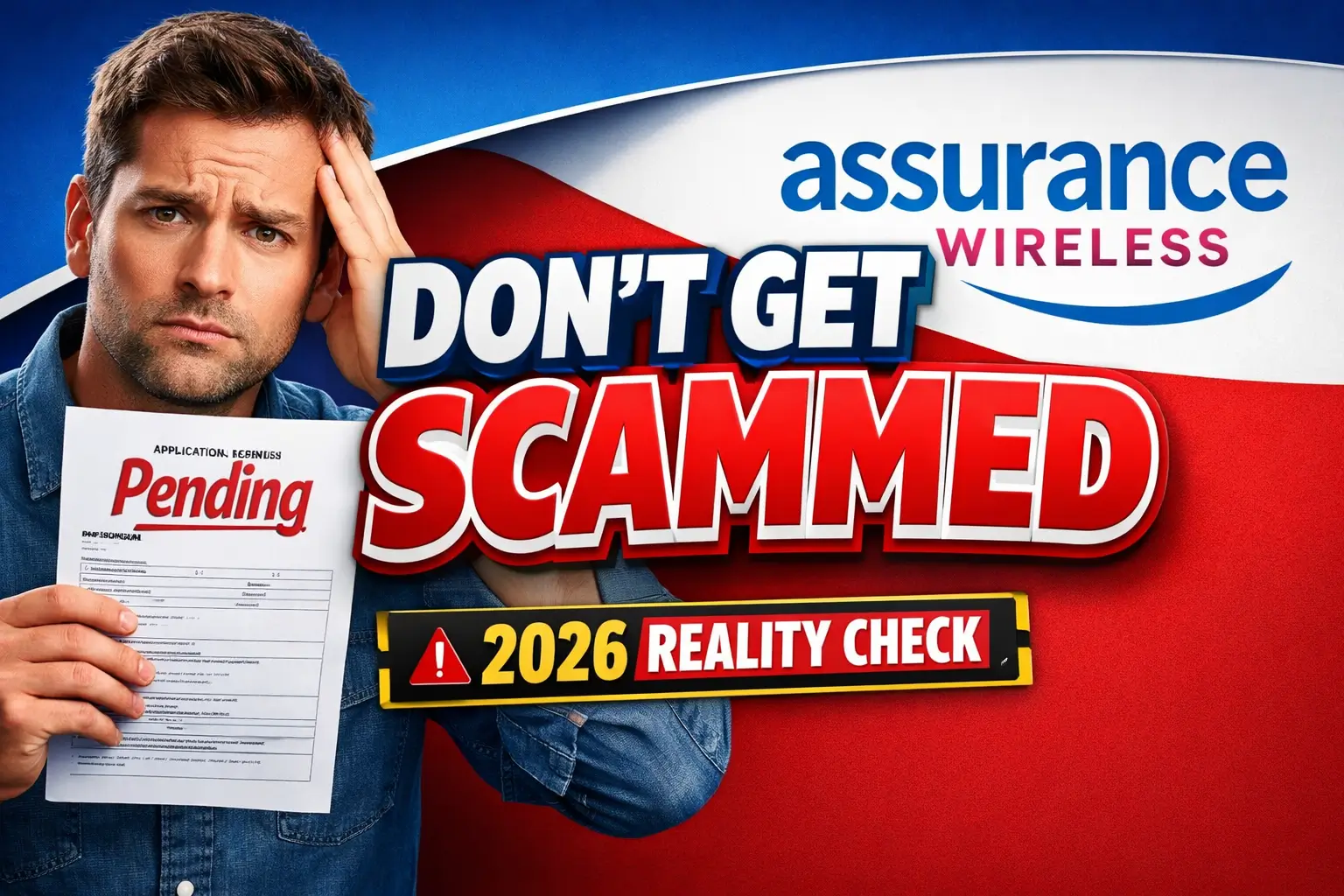
Assurance Wireless tablet warning
Be careful with websites promising a guaranteed free tablet or low-cost tablet without showing current official terms.
While that was the rule during the ACP era, current official Assurance Wireless materials do not list a tablet as a standard benefit. If you sign up expecting a Lenovo or Schok tablet, you might receive a basic smartphone instead or nothing at all.
Does Assurance Wireless currently offer tablets?
Do not assume Assurance Wireless will send a tablet. Current official Assurance Wireless materials focus on Lifeline phone service, Bring Your Own Phone options, and basic smartphone availability. If a tablet offer appears through an ad or third-party page, verify it directly on the official Assurance Wireless site before sharing personal information.
Tablet models, if ever shown through a promotion, can change by state, ZIP code, stock, and provider terms. Do not rely on a specific Lenovo, Schok, Sky, Samsung, or Alcatel model unless it appears in the official checkout or terms.
You can also compare tablet providers, check the documents needed for a Lifeline application, review free tablet with EBT options, compare Lifeline phone and tablet options, search for a government tablet near me, read about a SafeLink Wireless tablet, or compare AirTalk Wireless tablet options.
Tablet models mentioned online: verify before trusting
Some older posts and ads mention these tablet brands, but they should be treated as examples to verify, not confirmed Assurance Wireless inventory:
- Schok Classic Tablet: A basic 8-inch Android sometimes mentioned in older tablet discussions.
- Alcatel Joy Tab 2: A device name that may appear in older provider or inventory discussions.
- Sky Devices Elite T8/T10: Budget tablet names often compared with government tablet offers.
- Samsung Galaxy Tab (Refurbished): Refurbished tablets may be advertised by some providers, but availability and cost vary.
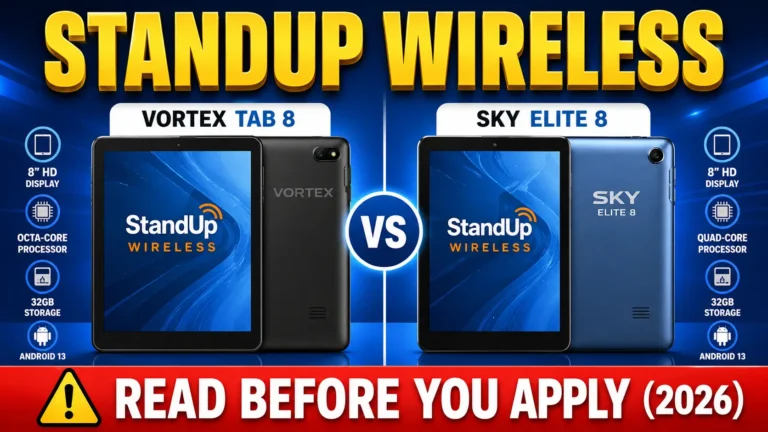
2026 Tablets Comparison
Device, plan, data amount, shipping, and upgrade terms may vary by state, eligibility, and current Assurance Wireless terms. Always check the official plan page and your account dashboard before relying on a specific number or device claim.
What Assurance Wireless Lifeline actually includes
The safest confirmed value is the Lifeline service itself. Assurance Wireless plan details can vary by state and eligibility. Current official pages show free talk, text, data, Bring Your Own Phone options, and basic smartphone availability in some plans, but tablet availability should not be assumed.
Standard Plan Features
- Talk and Text: Current plan pages may include free talk and text depending on eligibility and state.
- Data: Data amounts can vary by plan, state, and current Assurance Wireless terms.
- Bring Your Own Phone: BYOP options may be available if your device is compatible.
- Basic Smartphone Availability: Some plans may include a basic smartphone, but device availability should be verified before applying.
Get the Data Peace of Mind Upgrade
If your current data amount is not enough, check your official Assurance Wireless account dashboard for any currently available upgrade or add-on options.
- Upgrade terms, data amounts, and pricing can change by state and account.
- Do not rely on third-party screenshots or old ACP-era tablet pages.
- Confirm any add-on through your official online account portal once your main service is active.
How to Apply Without Getting Stuck
Go to the official site directly. Do not trust random ads.
The Address Glitch
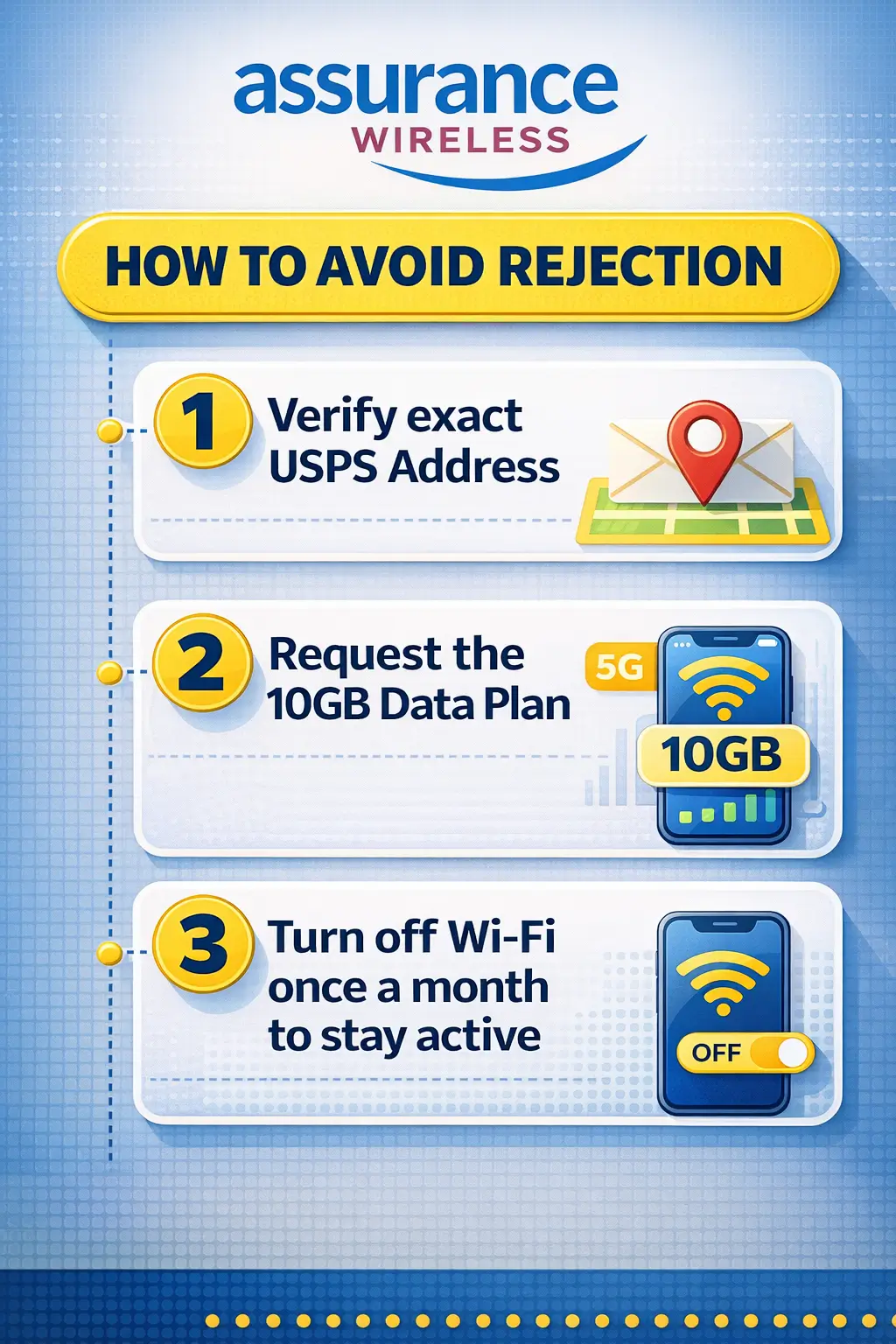
If your mail is delivered to “123 Main St Apt 4” but the USPS database says “123 Main St Ste 4,” your application will stay Pending forever.
The Fix: Go to the USPS website and use their ZIP Code Lookup tool. Copy your address exactly as they format it.
The Mail-In Option
If the website keeps timing out, use the paper route.
- Download the Lifeline form from lifelinesupport.org.
- Fill it out by hand.
- Mail it with photocopies (never originals) to:
Lifeline Support Center, PO Box 1000, Horseheads, NY 14845
Shipping and status: what to verify
Shipping and status details depend on your approval, address verification, document review, device availability, and current Assurance Wireless processing terms. Check your official account dashboard or customer care before relying on any estimated date.
The Two Customer Service Numbers
- 1-888-898-4888: Use this for new applications and status checks.
- 1-888-321-5880: Use this for tracking a shipment or fixing a broken device.
Device, plan, data amount, shipping, and upgrade terms may vary by state, eligibility, and current Assurance Wireless terms. Always check the official plan page and your account dashboard before relying on a specific number or device claim.
Keeping Your Service Active
The government pays for your service only if you use it. If you leave your phone in a drawer, they will cut you off.
The Official Rule
You must use your Assurance Wireless service at least once every 30 days.
You can do this by:
- Sending a single text message.
- Making a one-minute phone call.
- Using your mobile data to browse a website while Wi-Fi is turned off.
Usage rules can vary by plan terms and program rules. To protect your account, follow the latest official Assurance Wireless usage instructions and check your account notices regularly.
Safer alternatives if you need a tablet
FAQs
Does Assurance Wireless guarantee a tablet?
No. Assurance Wireless Lifeline service may include phone service, data, and basic smartphone or BYOP options depending on the state and plan. A tablet is not a guaranteed standard benefit.
How long does shipping actually take?
Shipping and approval time can vary by application status, address verification, document review, device availability, and provider processing. Check your official Assurance Wireless account or contact customer care for the latest status.
Is ACP still available for Assurance Wireless tablets?
No. ACP ended in 2024. In 2026, check Assurance Wireless Lifeline service options and do not rely on old ACP tablet ads or third-party claims.
What if my device breaks?
Assurance offers a one-year warranty on new phones they provide. However, if you drop it or crack the screen, you will likely have to pay for a replacement. There is no flat “standard” fee; it depends on the current warehouse stock and model.
Can I use an eSIM?
Yes. Assurance now supports eSIM on compatible phones. This is the fastest way to get service because you don’t have to wait for a plastic SIM card to arrive in the mail.
What should I do if I need a tablet, not just phone service?
Compare providers that clearly list tablet options, review the final device cost, check ZIP-code availability, and confirm whether the offer is free, discounted, or out of stock before applying.
Conclusion
The real value in 2026 is Lifeline phone and wireless service, but device, plan, data amount, shipping, and upgrade terms may vary by state, eligibility, and current Assurance Wireless terms. Use your exact legal name on the forms, match your address to USPS records, and check the official plan page before relying on a specific tablet or data claim.
If you need a tablet, compare providers that clearly list tablet options, confirm ZIP-code availability, and review the final cost before applying.