Free Government Phone and Tablet in 2026: Apply Today
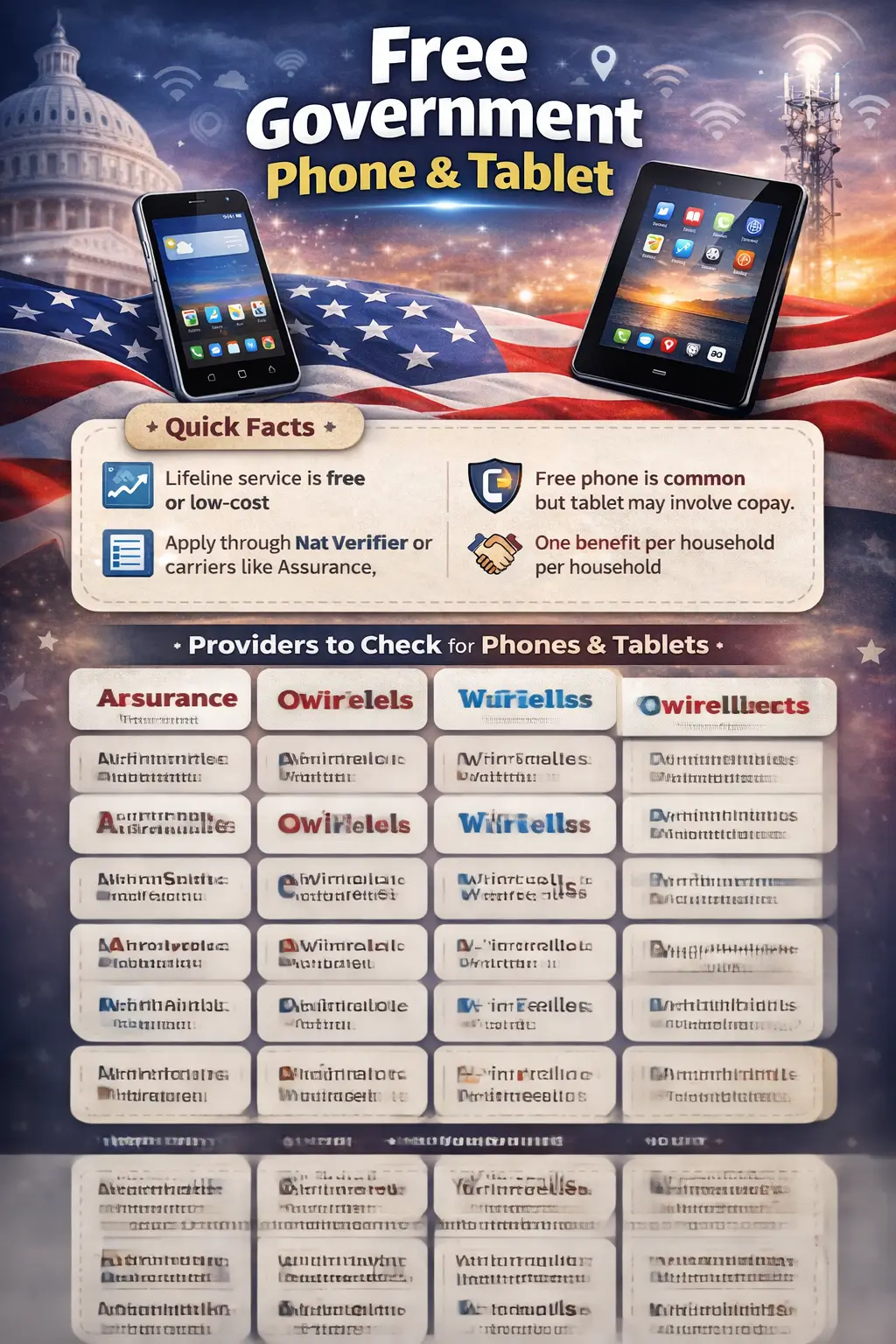
Getting a free phone through Lifeline is still pretty straightforward in 2026. A free tablet, though, that is where people run into surprises. Lifeline was built as a monthly service benefit, not a hardware giveaway. Whether a tablet shows up in your enrollment depends entirely on the provider you pick, the state you live in, and what is currently in stock.
Knowing that difference upfront saves a lot of frustration. This guide covers how the program works, which providers are worth checking for tablets, who qualifies, and how to apply without running into the most common delays.
Table of Contents
What Lifeline Actually Covers in 2026
The monthly discount under Lifeline sits at up to $9.25 for most qualifying households. If you live on Tribal lands, that number goes up to $34.25 per month, and a one-time Link Up connection reduction may also be available in some areas.
That discount never comes to you as cash. The carrier receives it and applies it against your plan, which is why you see so many Lifeline plans advertised as $0 per month. In plenty of cases, a phone is bundled into that deal. A tablet may or may not be, depending on the carrier.
USAC administers Lifeline under FCC rules, and eligibility is verified through the National Verifier system. One rule applies to every single applicant regardless of state: only one Lifeline benefit per household. If someone at your address already has Lifeline, that needs to be resolved before any new application moves forward.
Why Tablet Offers Feel Different Now
Most of the confusion around free government tablets traces back to the Affordable Connectivity Program. ACP included a one-time device credit of up to $100 toward a qualifying tablet or laptop. That program shut down on June 1, 2024, and those credits are gone.
Important: ACP ended in 2024. Any website still promoting ACP-style free tablets was written during that era and never updated. Lifeline is the active federal program right now, and it works differently.
Lifeline was never structured around a hardware credit. It pays for ongoing service. Phones at enrollment are still common because providers absorb that cost as part of the deal. Tablets in 2026 are more limited and usually come with a small co-pay when they are available at all.
Lifeline Providers That Matter for Phones and Tablets
Assurance Wireless
Assurance is one of the biggest names in Lifeline nationwide, and smartphones are still the core of their enrollment offer. Tablet availability is not a standard part of their 2026 lineup in most areas. If you specifically want to check whether they have anything in your state, the Assurance Wireless tablet guide covers current details.
SafeLink Wireless
SafeLink runs under TracFone and Verizon and remains a reliable Lifeline option for phones. Tablet availability through SafeLink depends heavily on the state and current inventory levels. If SafeLink is one you are considering, review the SafeLink Wireless tablet page before submitting your application so you know exactly what is on offer where you live.
AirTalk Wireless
AirTalk is the one provider that consistently comes up when people are specifically hunting for a tablet. In participating states, they offer Android tablets to Lifeline enrollees, though a co-pay is usually part of the picture. If a tablet is your main goal and not a phone, start here. The AirTalk Wireless tablets guide has current offer details and state availability.
Q Link Wireless
Q Link is a large Lifeline provider and does solid work for smartphone enrollment. Tablets through Q Link tend to show up as discounted add-ons or limited-run offers rather than a guaranteed device for every applicant. Worth checking if phones are not your preference, but do not expect a tablet to be waiting automatically.
Provider Comparison at a Glance
| Provider | Phone Offer | Tablet Offer | Co-Pay Likely? |
|---|---|---|---|
| Assurance Wireless | Free smartphone, widely available | Not a standard 2026 offer | Not typically relevant |
| SafeLink Wireless | Free smartphone, widely available | State-dependent inventory | Often yes |
| AirTalk Wireless | Varies by current offer | More tablet-focused than most | Yes, commonly |
| Q Link Wireless | Free smartphone, widely available | Limited or add-on availability | Usually yes |
Always confirm the offer directly with the provider before enrolling. Device listings move quickly, and something available today may be out of stock by the time your application is processed.
If device quality matters, check the model before you apply
Government tablets vary quite a bit. Some handle basic web browsing fine, while others hold up well for video calls and light streaming. Before committing to a provider, take a look at these guides: best government Android tablets, the Sky Devices government tablet, the BLU M8L review, and this Samsung government tablet guide. If you are hoping for an iPad, read the iPad guide first so your expectations stay grounded.
Who Qualifies for Lifeline in 2026
Eligibility runs through one of two paths: household income, or active participation in a qualifying benefit program.
Income-Based Eligibility
Your household qualifies if total income is at or below 135% of the Federal Poverty Guidelines. These figures update annually, so treat the numbers below as a close working estimate rather than the final official cutoff.
| Household Size | Approximate Annual Income Limit |
|---|---|
| 1 person | About $21,200 |
| 2 people | About $28,700 |
| 3 people | About $36,200 |
| 4 people | About $43,700 |
| Each additional person | Add about $7,500 |
If your income lands near the limit, pull the current official figure from USAC before submitting. A small gap either way does matter.
Program-Based Eligibility
You may also qualify if anyone in your household participates in one of these programs:
- SNAP
- Medicaid
- SSI
- Federal Public Housing Assistance
- Veterans Pension or Survivor Benefits
- Eligible Tribal assistance programs for residents on Tribal lands
The One-Household Rule
Only one Lifeline benefit is allowed per household, full stop. This matters most in shared housing, apartment buildings, and multi-family addresses where another resident may already be enrolled. More applications get delayed or denied here than almost anywhere else in the process. Check this before you gather a single document.
Documents You May Need to Prove Eligibility
The National Verifier handles a lot automatically. When it cannot confirm your status on its own, you will need paperwork that clearly connects your name, address, and current eligibility status. Expired documents and mismatched names are the two most common reasons applications stall in review.
For Program-Based Eligibility
- A current benefit award letter
- A document showing your name, the program name, and a recent issue or renewal date
For Income-Based Eligibility
- Prior year federal tax return
- Three consecutive recent pay stubs
- Social Security benefit statement
- Employer letter on company letterhead confirming current income
For Identity Verification
- Government-issued photo ID
- Last four digits of your Social Security number, or eligible Tribal ID where accepted
How to Apply for a Free Government Phone and Tablet
Option 1: National Verifier First
This is the better approach if you want time to compare providers before you commit to one. Submit your eligibility application, upload documents if required, wait for approval, and then enroll with whichever carrier has the right device offer for your state.
Option 2: Apply Directly Through a Provider
Faster when you have already decided on a carrier. The provider handles the enrollment flow and runs your Lifeline check as part of the process. Works well only if you have already confirmed the device you want is actually available right now.
Best Ways to Avoid Mistakes
- Sort out the one-household rule before anything else
- Make sure your documents are current, not from a year or two ago
- Compare provider offers before enrolling, not after
- Confirm whether a tablet comes with a co-pay
- Do not assume an old ACP-style tablet deal is still running
Which Provider Is Best If You Specifically Want a Tablet
The path to a tablet is narrower than it used to be during the ACP years. Based on how providers currently operate, here is where to focus your search:
- AirTalk Wireless: Usually the strongest first check for applicants who want a tablet specifically
- SafeLink Wireless: Worth reviewing if your state currently shows tablet inventory
- Assurance Wireless: Much better known for smartphone enrollment than tablet offers
- California applicants: Also review California LifeLine separately, since state-level options sometimes differ from the federal path
The clearest way to think about it: Lifeline covers your service, and the provider decides what device comes with it. Once that split makes sense to you, the offers stop being confusing.
For a full comparison of current free tablet options by provider and state, visit the free government tablet homepage to see what is available right now.
Frequently Asked Questions
Can I get both a phone and a tablet from one Lifeline application?
Usually not. Most providers center their offer on one device type. A tablet, when available, may involve an added co-pay or a limited-time promotion rather than an automatic second device.
Is the ACP still available in 2026?
No. ACP ended June 1, 2024. Lifeline is the active federal program people are working with now for discounted service and possible device enrollment.
Why do so many sites still claim free tablets are available?
A lot of those pages were written during the ACP period and never updated. Always verify the current offer directly with the provider before applying.
Which provider is most likely to have a tablet in 2026?
AirTalk Wireless is the most consistent name to check first for tablet-oriented offers. Device availability, co-pay amount, and state coverage can still shift, so confirm before you apply.
What happens after National Verifier approval?
After approval, you enroll with a participating provider. The carrier finalizes your service plan, confirms any device terms, and ships the phone or tablet if one is included in your offer.
Can I switch Lifeline providers later?
Transfers are allowed under Lifeline rules. The new provider is not required to give you another device, though. Always read the terms before switching so there are no surprises.
Bottom line: Lifeline can still get you connected in 2026, but a tablet is not automatically part of the deal. Compare providers upfront, keep your documents current, and confirm the one-household rule before you start. Do those three things and you avoid almost every delay that trips people up.