Sky Devices Government Tablet: Price, Specs, 2026 Apply Now
A Sky Devices government tablet may be free, discounted, unavailable, or out of stock depending on the provider, ZIP code, inventory, and current offer terms. In 2026, the safer question is not only “Can I get a Sky tablet?” but “Which provider is listing it, what does it cost today, and what documents do I need before applying?”
Table of Contents
This guide explains how Sky Devices tablet offers work through Lifeline-style provider offers, why approval is not guaranteed, and how to compare a Sky offer with other free tablet from government options before you submit personal information.
What “Sky Devices government tablet” really means
A “government tablet” usually does not mean the government is mailing you a Sky tablet directly. In most cases, it means a wireless provider is offering a tablet as part of a Lifeline-based service signup. That is why the same search can show different devices, prices, or no tablet at all depending on the provider and your area.
- ✅ The government part is the Lifeline eligibility, not the tablet brand
- ✅ The tablet offer comes from the provider, not directly from the government
- ✅ One provider may list Sky, another may list Samsung or TCL, and another may list nothing
- ✅ The old ACP device discount ended, so do not assume a tablet is automatically free
- ✅ In 2026, tablet offers depend on provider inventory, ZIP code, and current pricing
Sky Devices tablet offer: free vs discounted vs out of stock
Before applying, separate Lifeline eligibility from the tablet offer. You may qualify for service, but device price and stock can still change by provider and ZIP code.
Sky Devices tablets explained
Not all Sky tablets are the same.
That is where many articles lose flow. They mention the brand once, then treat every model like it delivers the same experience. It does not. Screen size, memory, battery, Android version, and processor all change what daily use feels like.
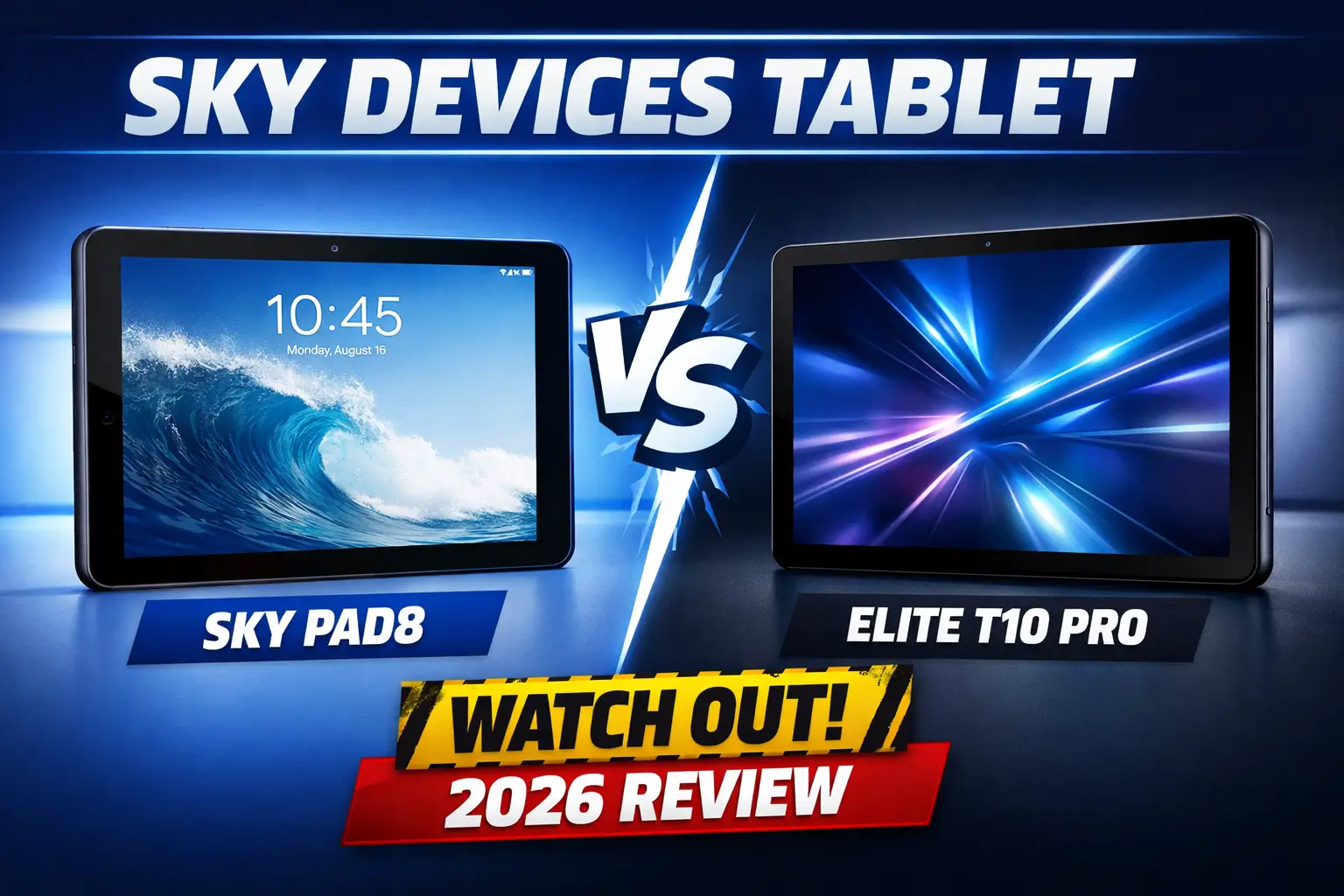
Sky Pad8
The Sky Pad8 is the model most closely tied to current government-tablet searches because it is the Sky tablet most clearly visible in a live provider catalog in 2026. Sky Devices lists it with an 8-inch 800 x 1280 display, quad-core 2.0 GHz processor, Android 12, 5MP rear camera, 2MP front camera, and a 4000mAh battery.
The official Sky Pad8 page supports the table above.
What the Pad8 is good for
- Browsing, YouTube, email, school portals, maps, and routine forms
- Light daily use where portability matters more than power
- Basic LTE use on bands that line up well with T-Mobile-style coverage
What to watch out for
- The 8-inch screen can feel cramped for long applications and long reading sessions. This is an inference from the screen size, not a brand claim.
- The page’s memory line reads “64GB RAM + 3GB,” which looks inconsistent with the way Sky lists memory on its other tablet pages. Read that line cautiously.
- This is best treated as a light-duty tablet, not a multitasking tablet. That performance read follows from the entry-level processor, compact display, and battery size.
Sky Pad10 Max
The Sky Pad10 Max keeps the same budget-tablet direction but gives you more screen space. Sky Devices lists it with a 10.1-inch 800 x 1280 display, quad-core 2.0 GHz processor, Android 13, 64GB ROM with 3GB or 4GB RAM, 5MP rear camera, 2MP front camera, and a 5000mAh battery. Sky also shows an MSRP of $199.00 on the page.
The official Sky Pad10 Max page supports the table above.
What the Pad10 Max is good for
- Reading, telehealth, school portals, and long forms because the larger display gives more room
- Users who care more about comfort and visibility than raw speed
- A slightly more current feel than the Pad8 because of Android 13 and the larger battery
What to watch out for
- It is still a budget tablet, so the larger screen improves comfort more than performance. That is an inference from the unchanged processor class.
- It is easier to use than the Pad8 for longer sessions, but it is not the strongest Sky tablet overall.
Elite T10 Pro
The Elite T10 Pro is the strongest Sky tablet in this group. Sky lists it with a 10.1-inch display, octa-core 1.6 GHz processor, Android 14, 128GB ROM + 6GB RAM, 13MP rear camera, 8MP front camera, a 7000mAh battery, 537g weight, and dimensions of 241.1 x 159.9 x 8.0 mm.
The official Elite T10 Pro page supports the table above.
What the Elite T10 Pro is good for
- Longer daily use, more open apps, and a less cramped experience overall
- Better battery headroom than the smaller Sky tablets because of the 7000mAh battery
- The most future-friendly Sky tablet here because it combines Android 14, 6GB RAM, and 128GB storage
The catch
This is the best Sky tablet on paper, but it is not the model most clearly shown in the live provider listings people usually see while shopping Lifeline-style tablet offers.
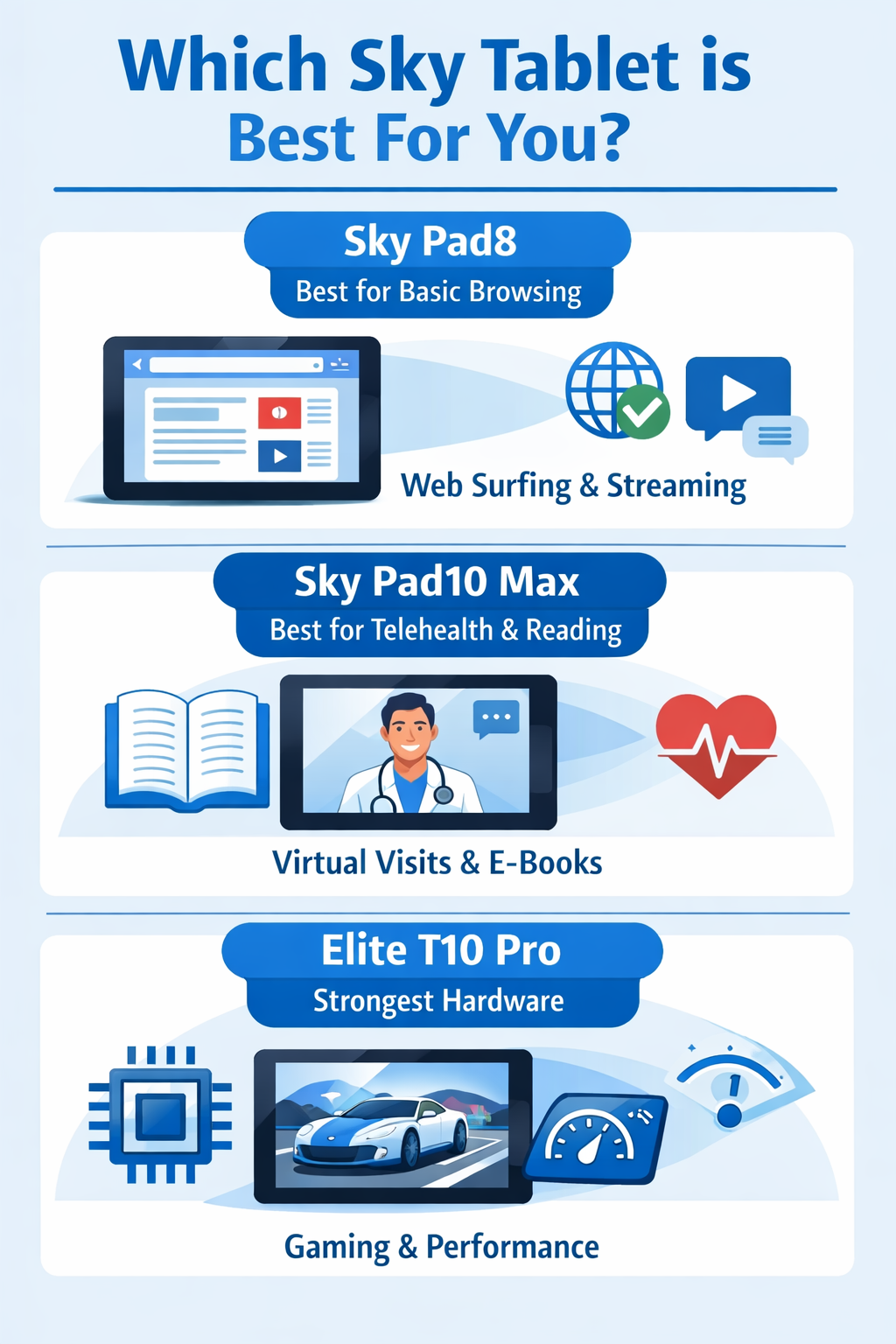
Which Sky tablet is best for which user
The official Sky product pages support this comparison, and the ranking reflects their published specs.
Sky Devices tablet providers, price, and stock status
This part matters because a tablet brand only helps you if a real provider is listing it right now. You should compare tablet providers before choosing one offer.
The table below focuses on publicly visible provider evidence, not recycled lists. For provider-specific details, compare this with our AirTalk Wireless tablet guide.
Best 2026 Networks for Sky Tablets
Best fit: T-Mobile-style LTE
The Sky Pad8 and Sky Pad10 Max appear to match T-Mobile-style LTE most closely based on the published band overlap.
Why T-Mobile looks like the best fit
- Both Sky tablets include Band 2, 4, 5, 12, 66, and 71
- Those are the same core LTE bands publicly associated with T-Mobile
- That makes T-Mobile-style LTE the safest public compatibility match
Important note
- This is not a guarantee of perfect service everywhere
- It is a compatibility inference based on published band lists
- Real-world speed and stability still depend on:
- local coverage
- network congestion
- provider setup in your area
About the word “5G”
This is where many listings get sloppy.
What the spec pages show
- Sky Pad8 lists LTE bands
- Sky Pad10 Max also lists LTE bands
- Neither official page clearly lists cellular 5G bands
What that means
- If an ad says “5G tablet” without showing the radio details, do not trust the label alone
- The safer approach is to trust the official spec page first
- Based on the listed bands, these tablets should be treated as LTE tablets unless proven otherwise
Who can qualify for a Lifeline-based tablet offer in 2026
The Universal Service Administrative Company (USAC) manages the National Verifier, the centralized system that checks your eligibility against state and federal databases.
You may qualify through Lifeline if your income is at or below the Lifeline limit or you participate in a qualifying program. Approval for Lifeline service and availability of a specific Sky Devices tablet are separate steps.
If you use SNAP benefits, read our free tablet with EBT or SNAP guide before applying. SNAP/EBT and Medicaid can help with Lifeline eligibility, but they do not guarantee a tablet.
Main qualification paths
- Income at or below the current Lifeline limit
- Participation in SNAP, Medicaid, SSI, Federal Public Housing Assistance, or Veterans and Survivors Pension Benefit
- Only one Lifeline benefit allowed per household
- Provider and ZIP-code availability for the tablet offer
Can EBT, SNAP, or Medicaid help you qualify?
Yes. SNAP/EBT and Medicaid may help prove Lifeline eligibility if the provider accepts that path during the application. They do not guarantee a free Sky tablet, a specific Sky model, or current stock.
Why the household rule matters
This is one of the biggest reasons people get confused.
A household does not simply mean an address. It means people living at the same address who share income and household expenses. So if one person at that address already receives Lifeline, a second person may still qualify only if they are a separate economic household.
Documents to prepare before applying
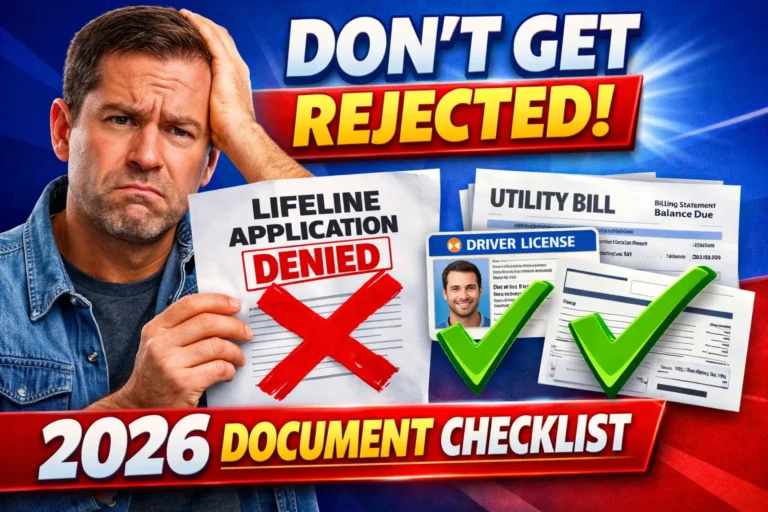
Keep your documents needed for a government tablet application ready before starting. The National Verifier may request additional documents if automatic checks do not confirm eligibility.
- Identity proof
- Address proof
- Income proof, if applying by income
- Proof of SNAP, Medicaid, SSI, FPHA, or Veterans and Survivors Pension, if applying by program
- Household Worksheet, if more than one Lifeline applicant is connected to the same address
How to apply for a Sky Devices tablet offer
Before submitting, follow the how to apply for a free tablet checklist and verify the live device offer.
- Check availability by ZIP code.
- Confirm that the provider is showing a Sky Devices tablet offer.
- Complete the Lifeline or National Verifier eligibility steps.
- Upload documents if automatic checks do not confirm eligibility.
- Review the device price, model, shipping, and stock status before submitting.
What usually goes wrong during the application
Even people who qualify can get stuck.
The biggest problems are usually not about the tablet itself. They happen because of address issues, household confusion, or weak paperwork.
Common delay and rejection reasons
- Another Lifeline subscriber is already connected to the same address
- The applicant needs a Household Worksheet to prove separate household status
- Address details do not match records cleanly
- Income proof is missing, outdated, or incomplete
- The person uploads weak documents and gets pushed into manual review
What to check before applying
- Make sure your name and address are entered exactly as they appear on official records
- Check whether someone else in your household already receives Lifeline
- Keep your income or program proof ready before you start
- Confirm that your ZIP code actually shows the device or service path you want
- Review whether the tablet is free, discounted, or currently out of stock
Scam warning before you enter personal information
Be careful with pages that promise guaranteed approval, instant free tablets, or a specific Sky model without showing the provider, ZIP-code availability, final price, and current stock. Do not upload documents unless you are on a legitimate provider or official eligibility page.
FAQs about Sky Devices government tablets
Is the Sky Devices government tablet actually free?
Not always. A Sky Devices tablet may be free, discounted, unavailable, or out of stock depending on provider, ZIP code, inventory, and current offer terms.
Can I get a Sky tablet with EBT or SNAP?
SNAP/EBT can help with Lifeline eligibility, but it does not guarantee a Sky tablet. You still need to check provider availability, price, and stock.
Can I get a Sky tablet with Medicaid?
Medicaid may help you qualify for Lifeline, but the Sky tablet offer depends on the provider, ZIP code, inventory, and current terms.
What documents do I need before applying?
You may need identity, address, income proof, or proof of SNAP, Medicaid, SSI, FPHA, or Veterans and Survivors Pension. The National Verifier may ask for more documents if automatic checks fail.
What should I do if the Sky Pad8 is out of stock?
Check the provider again later, compare other tablet providers, or review alternative models such as BLU, Samsung, TCL, or other Android tablets.
Is ACP still available for Sky tablet discounts?
No. ACP ended on June 1, 2024. Check Lifeline service options and provider-specific device offers instead of relying on old ACP tablet claims.
Can I choose the exact Sky tablet model?
Usually not guaranteed. Device choice depends on the provider’s available models, stock, ZIP code, and offer terms at the time you apply.
How do I avoid fake Sky tablet offers?
Avoid pages that promise guaranteed approval, ask for documents before showing a real provider, or hide the final price and stock status. Verify the provider and offer before entering personal information.
Conclusion
If you want a Sky Devices tablet in 2026, the safest path is to follow what is actually live, not what old ads or recycled lists promise. The Sky Pad8 is the most realistic option because it is the model most clearly tied to a current provider listing. The Sky Pad10 Max is better for comfort, while the Elite T10 Pro is the strongest on paper.
Before you apply, check the provider, confirm your ZIP code, review the device price, and make sure your documents and household details are correct. Start with the live listing, verify availability, then apply with confidence.